Seedance vs Kling vs MiniMax: Which AI Video Model Should You Pick?
Same prompt, three model families: how Seedance 2.5, Kling V4 and MiniMax H3 compare on length, resolution, audio, first and last frames and price — and which one fits your clip.
We make AI Trend Studio, one of the tools in this article. Facts about other tools come from their own websites, checked on the date shown; plans change often, so check before you buy.
Seedance, Kling and MiniMax are the three video model families most people compare when they pick an AI video generator. They all turn text or photos into clips, but they differ in clip length, resolution, audio, frame controls and price — and the right pick depends on the clip you need, not on a single "best" label.
AI Trend Studio runs all three on one platform, plus Gemini Omni and Muse, so you can try the same prompt on each and keep the best take. This post compares them on the numbers that actually decide a render, using the same prompt run across models where the site publishes it.
The comparison at a glance
| Model | Clip length | Resolution | Audio | First / last frame | Credits per 5 s |
|---|---|---|---|---|---|
| Seedance 2.5 | 4–30 s | 480p, 720p, 1080p | Generated with the clip | Up to 2 photos | 480p 17 · 720p 35 · 1080p 85 |
| Seedance 2.0 | 4–15 s | 480p, 720p, 1080p | Generated with the clip | Up to 2 photos | 480p 12 · 720p 24 · 1080p 57 |
| Seedance 2.0 Fast | 4–15 s | 480p, 720p | Generated with the clip | Up to 2 photos | 480p 9 · 720p 15 |
| Seedance 2.0 Mini | 4–15 s | 480p, 720p | Generated with the clip | Up to 2 photos | 480p 5 · 720p 9 |
| Kling V4 | 3–30 s | 720p, 1080p | — | Up to 2 photos | 720p 24 · 1080p 35 |
| Kling V4 Flash | 3–20 s | 720p | — | 1 photo | 720p 15 |
| MiniMax H3 | 4–15 s | 768P, 2K | — | Up to 2 photos | 768P 10 · 2K 17 |
| MiniMax H3 Max | 5–15 s | 480P, 768P, 1080P | — | Up to 2 photos | 480P 9 · 768P 10 · 1080P 22 |
Prices are in credits and match what the composer charges; the exact price for your settings shows before you send, and failed or stopped renders are refunded.
Two cheaper alternatives on the same platform: Gemini Omni 1.2 Flash (3–15 s, 720p/1080p/4K, 5 credits per 5 s) and Muse (10-second clips, 720p, 5 credits). They are not part of this three-way comparison, but they matter when cost is the deciding factor.
Seedance 2.5: the longest single shot
Seedance 2.5 is the newest Seedance model and the only one here that renders up to 30 seconds in a single continuous clip, with audio generated alongside the picture. If your scene needs to unfold without cuts — a product orbit, a slow reveal, a dancer's full phrase — that length is the reason to pick it.
The trade-off is price: at 1080p it costs 85 credits per 5 seconds, the highest per-second rate in this comparison. At 480p it is 17 credits per 5 seconds, which is a reasonable way to explore a shot before rendering the final at higher resolution.
Seedance 2.0, 2.0 Fast and 2.0 Mini are the same family at lower cost and shorter lengths (4–15 s). Mini is the cheapest way to test a Seedance-style result: 5 credits per 5 seconds at 480p.
Kling V4: 30 seconds at a lower 1080p price
Kling V4 also reaches 30 seconds, at 720p or 1080p, and its 1080p rate (35 credits per 5 s) is less than half of Seedance 2.5's 1080p rate. If you want a long clip at 1080p and do not need generated audio, Kling V4 is the cheaper route to the same length.
Kling V4 Flash is the faster, cheaper variant: 3–20 seconds at 720p for 15 credits per 5 s, but it takes only one photo (opening frame) instead of two, so you cannot set a closing frame with it.
MiniMax H3: the all-rounder
MiniMax H3 and H3 Max cover the middle ground: 4–15 seconds, up to 2K on H3 and 1080p on H3 Max, both taking first and last frames, at 9–22 credits per 5 seconds depending on resolution. H3 is a sensible default when you do not need the 30-second length or generated audio — a typical 5-second clip at 768P costs 10 credits.
Same prompt, three results
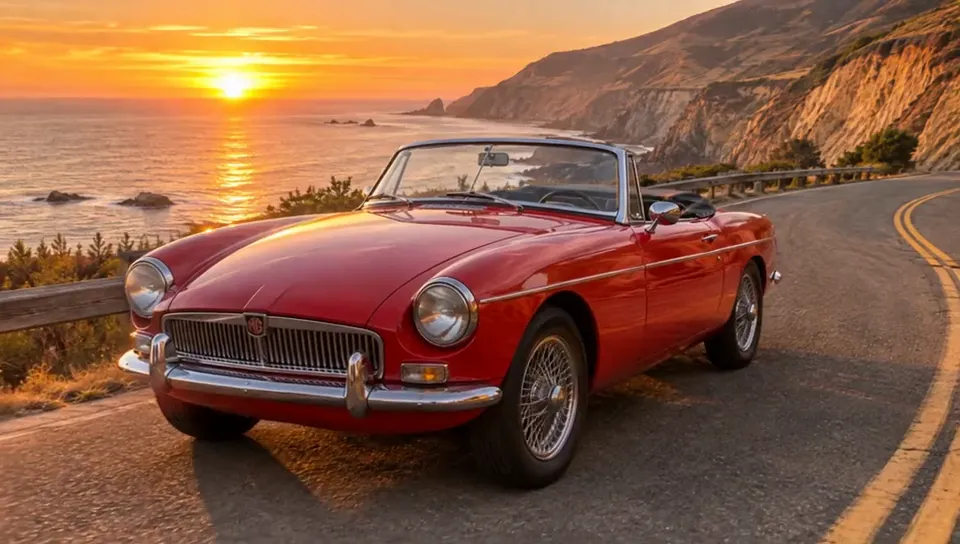
Specs only tell half the story. The site publishes the same prompt rendered on multiple models, so you can see the difference instead of taking a table's word for it. One example is a red convertible on a coastal road: the same prompt runs on Seedance 2.5, Kling V4 and MiniMax H3, each on its own showcase page with the result and the exact prompt. A street musician in the rain is published the same way.
Open two or three of those pages, watch the clips, and judge motion, framing and pacing for yourself. Results vary from one render to the next, so treat any single clip as one take, not a benchmark.
Here is the same prompt — a red convertible on a coastal road — on all three models. The still below is the shared starting frame; the three clips after it are the generated results. Press play on any of them to watch it right here.
Same prompt on Seedance 2.5 Same prompt on Kling V4 Same prompt on MiniMax H3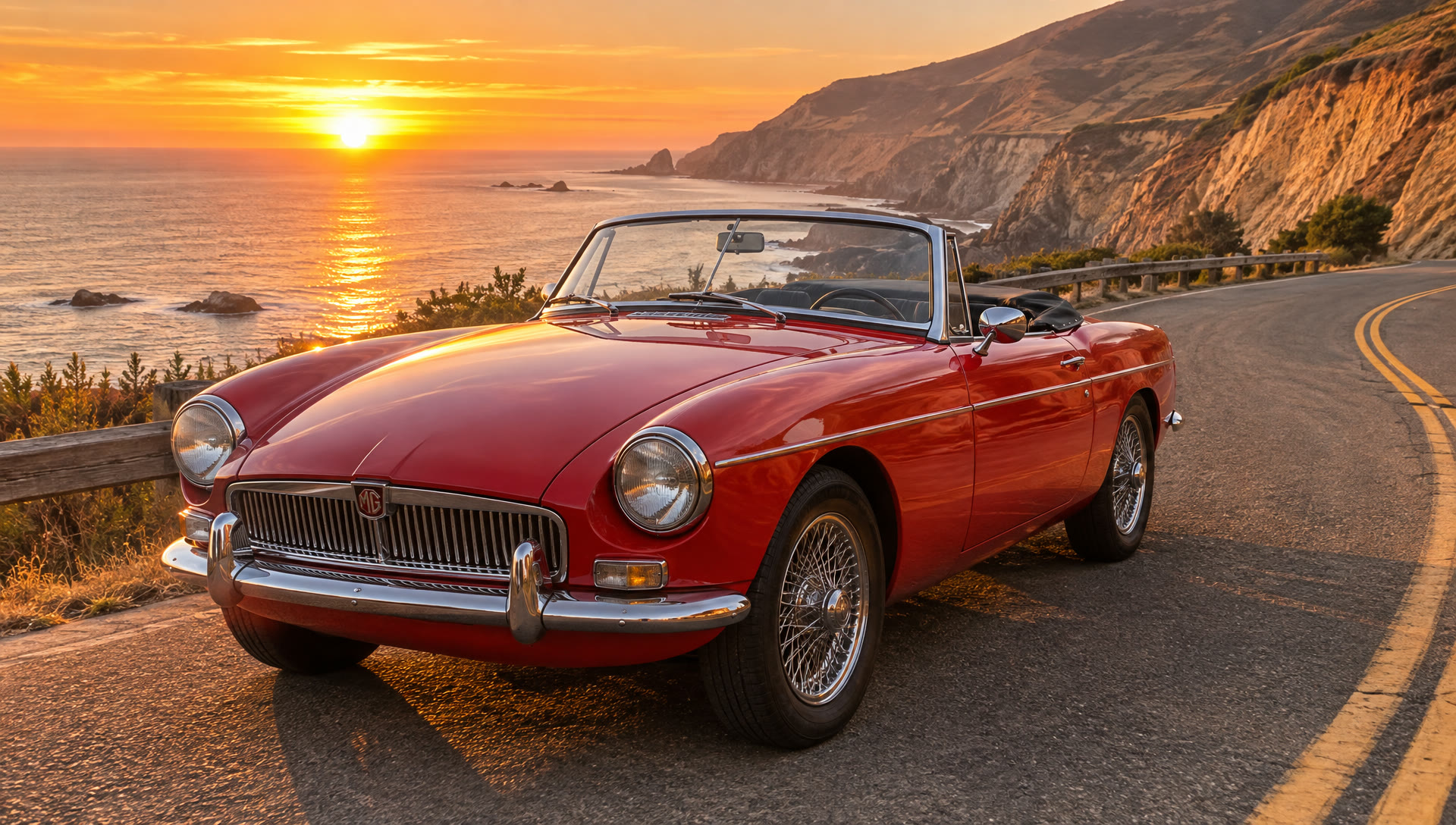
Which one should you pick?
- Longest single shot with sound: Seedance 2.5. Accept the higher per-second price, or explore at 480p first.
- Long clip at 1080p on a budget: Kling V4. Same 30-second ceiling, much cheaper at 1080p, no generated audio.
- Everyday clips, good default: MiniMax H3 or H3 Max. Mid-range price, up to 2K, first and last frames.
- Cheapest way to test an idea: Seedance 2.0 Mini at 480p (5 credits per 5 s) or Gemini Omni 1.2 Flash (5 credits per 5 s at 720p or 1080p).
- Need a closing frame: any of the above except Kling V4 Flash, Gemini Omni and Muse, which take one photo.
The practical move is to run the same prompt on two or three models and keep the best take. That is what having them on one platform is for: the comparison costs a few credits per model, and the price shows before you send each one.