
AI video tool
AI Music Video Generator: Turn a Photo into a Singing Music Video
Upload a photo of a singer, a band member or a drawn character, then describe the song: the style, the mood and a line of lyrics. MiniMax H3 uses your photo as the opening frame and renders a clip of up to 15 seconds in which the subject sings or raps, with a soundtrack and vocals made in the same pass.
Type a prompt or upload a photo. We'll take it to the studio.
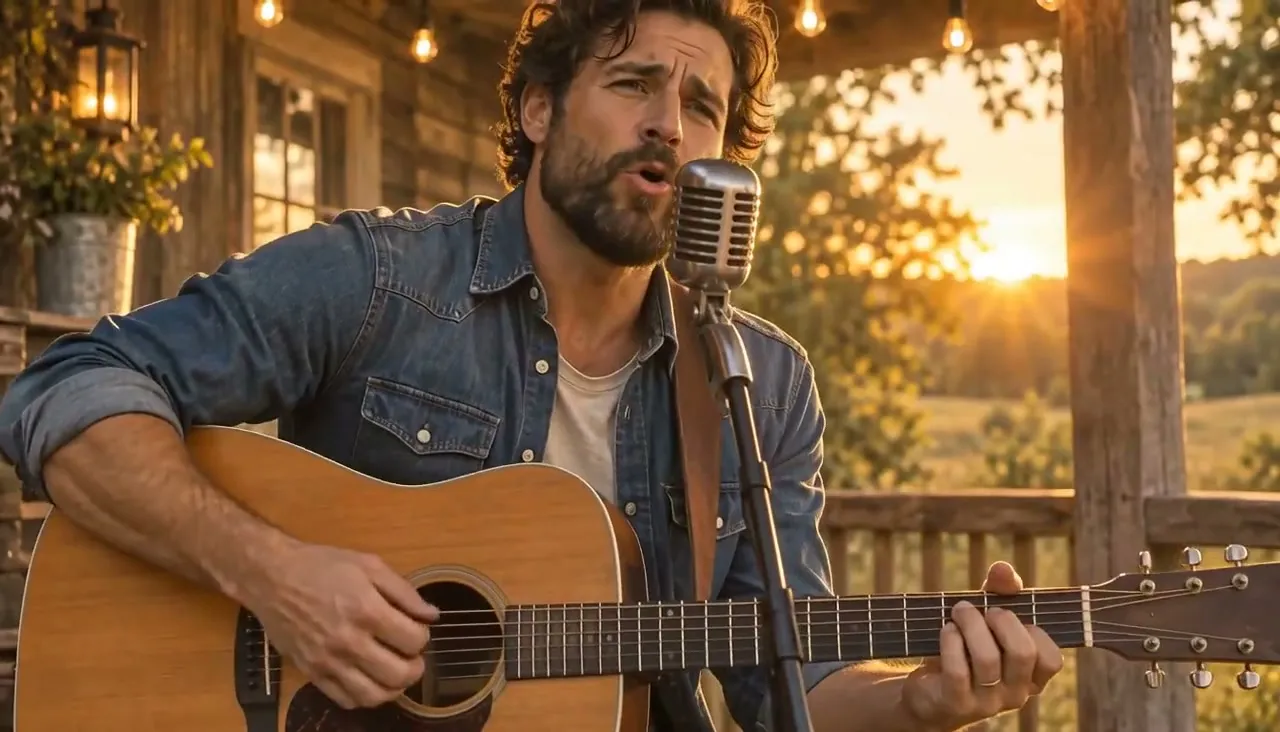
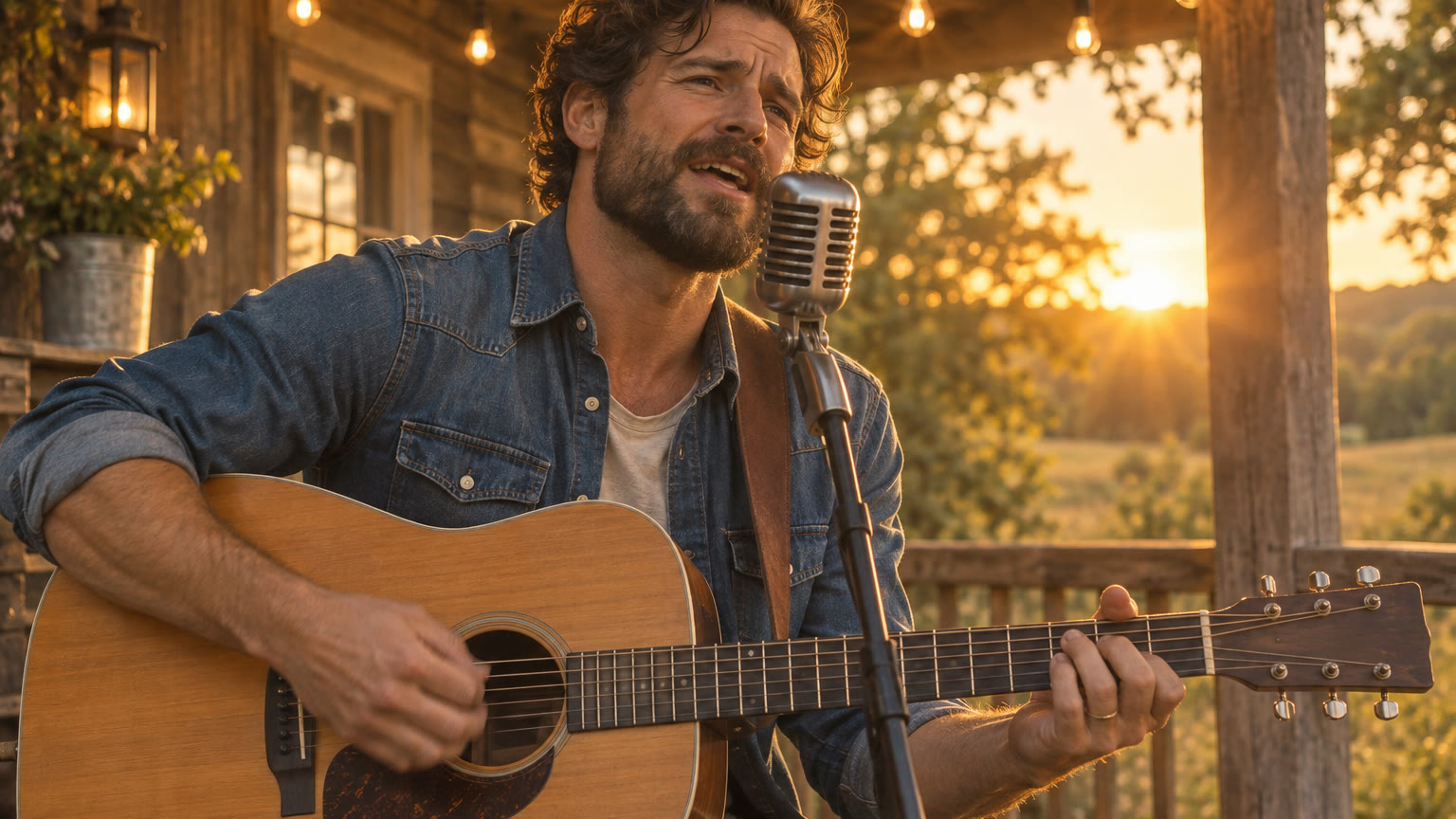
Folk music video, one continuous shot. The man strums the acoustic guitar and sings warmly into the microphone, lips matching the words: "Golden light on the old front porch, I kept this song for you." Gentle acoustic guitar melody with a soft male voice. Slow push-in, then a gentle half orbit; string lights twinkle, dust floats in the sunbeams. Keep his face, clothes and guitar the same.
- You bring
- A photo of the performer, or a written description of the singer and scene
- You get
- A clip with sound, 3–30 seconds depending on the model
- Runs on
- 10 video models, MiniMax H3 by default
- Price
- From 3 credits a clip, shown before you send
AI Music Video Generator examples
Each case was made in AI Trend Studio with the prompt shown. Use a prompt as your starting point: results vary from one render to the next.
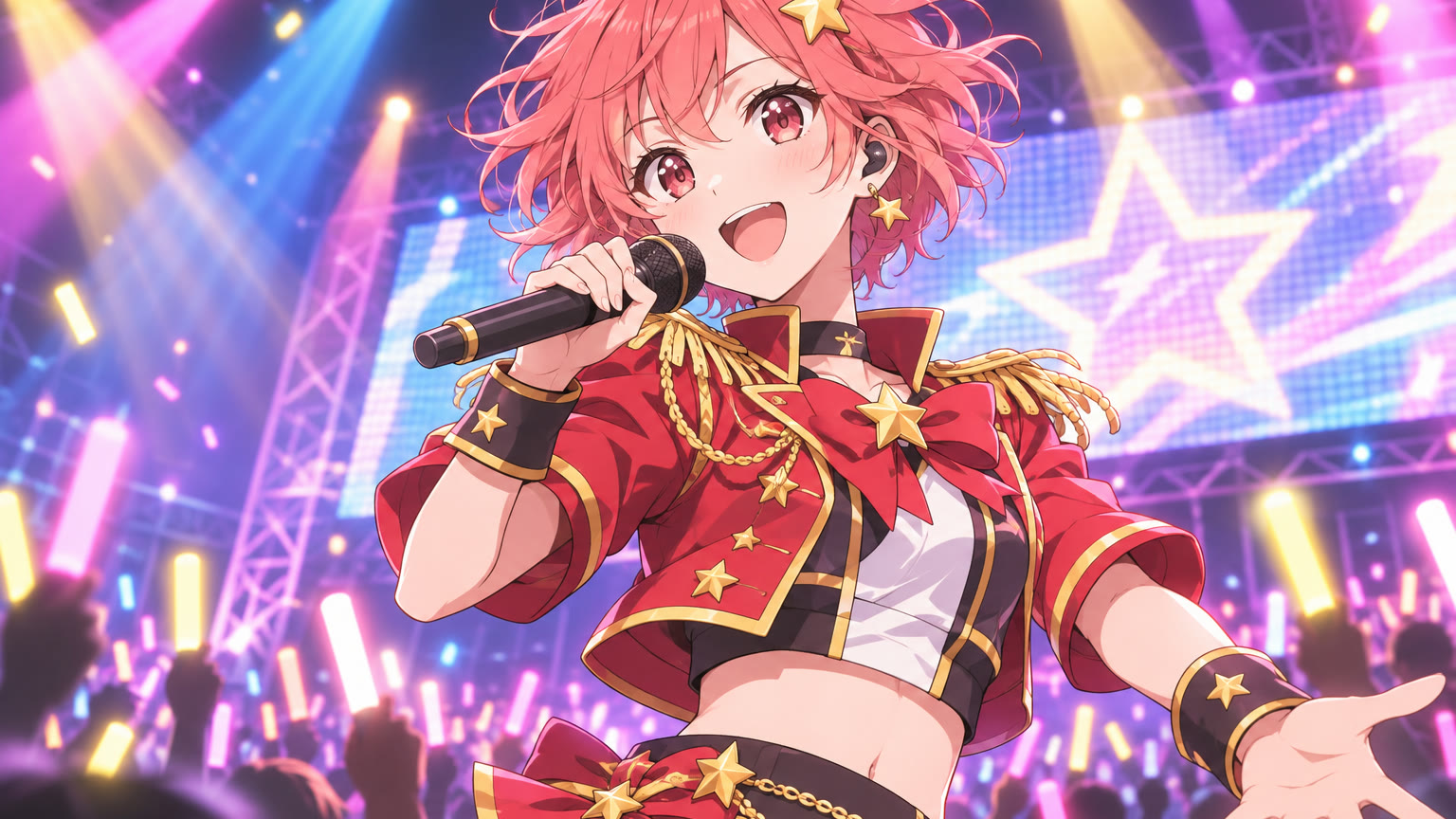
Original 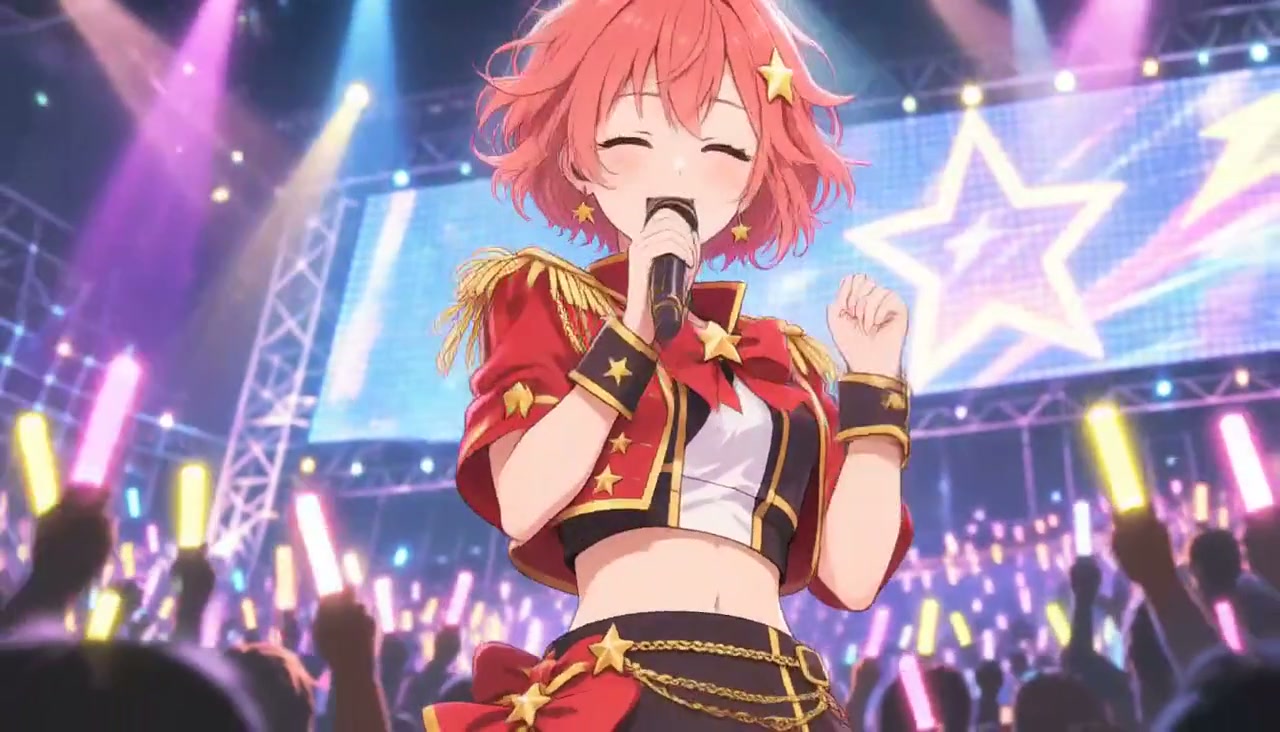
Result Anime idol concert chorus (MiniMax H3)
Made with MiniMax H3
Prompt
Anime idol concert music video, one continuous shot. The singer sings a bright chorus and waves to the crowd, lips matching the words: "Shine with me tonight, we are the stars, la la la." Upbeat J-pop with drums, synths and a clear female voice. Spotlights sweep, the crowd waves glowing lightsticks, confetti falls, the camera slowly pushes in. Keep the anime style and the character the same.
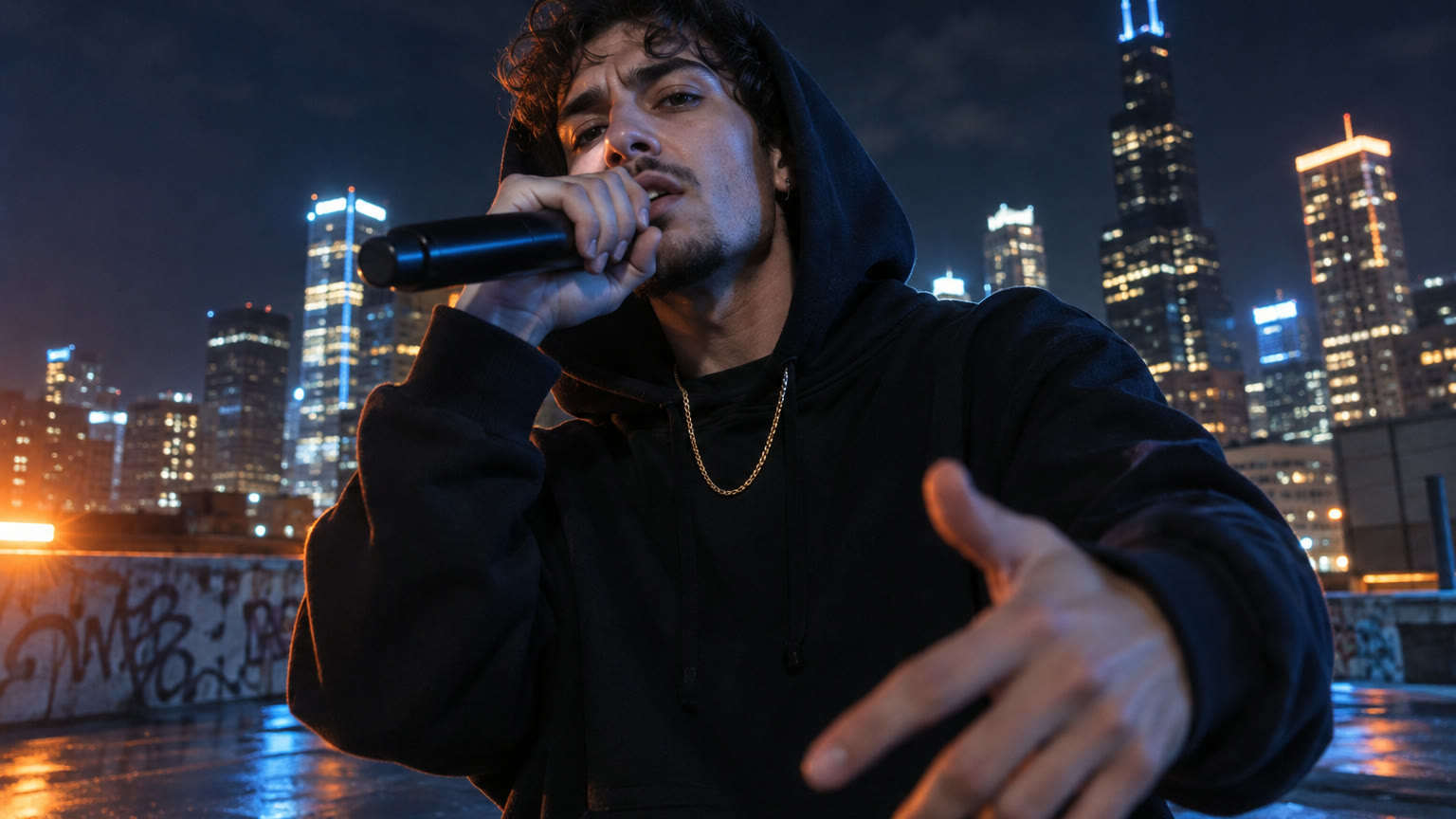
Original 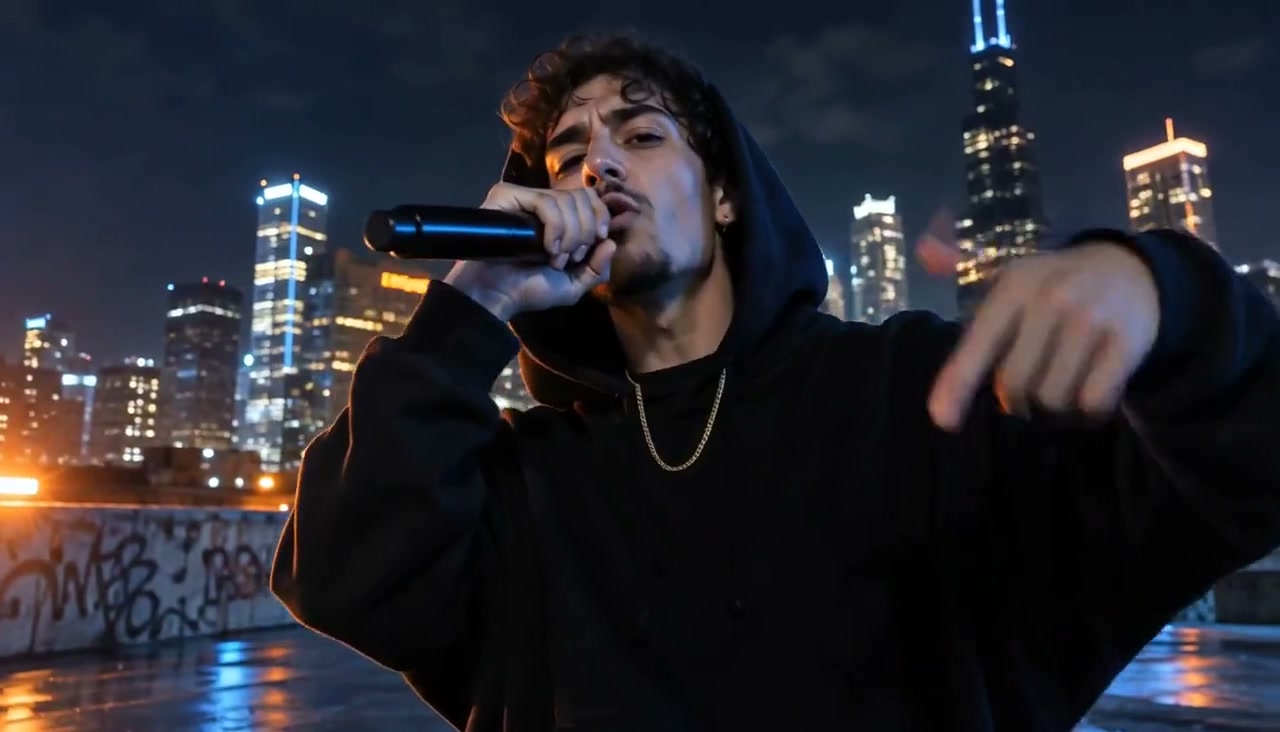
Result Rooftop rap verse at night (MiniMax H3)
Made with MiniMax H3
Prompt
Hip-hop music video, one continuous shot. He raps confidently to the camera with hand gestures, lips matching the words: "Up on the roof with the city below, every light in the skyline is a place I go." Hard boom-bap drums with deep bass and a male rap vocal. Handheld low-angle camera slowly orbits him, the skyline lights glow and blink behind. Keep his face, hoodie and chain the same.
Original 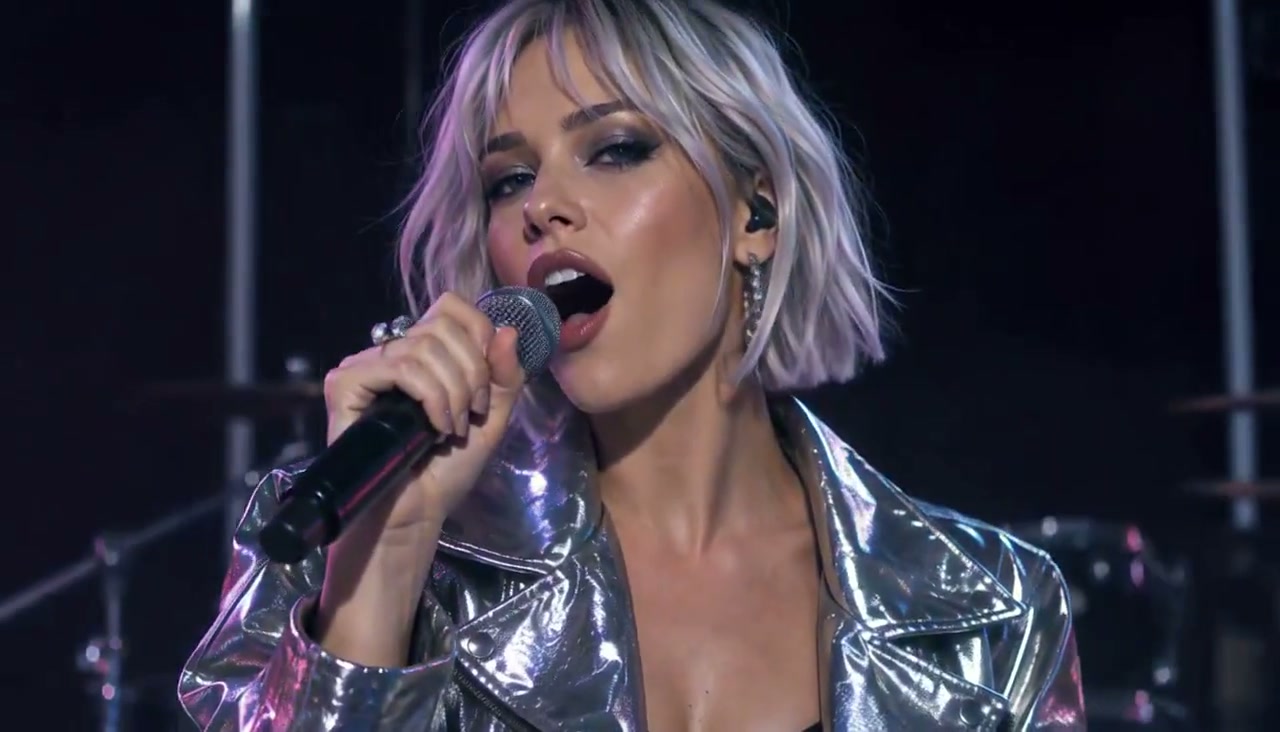
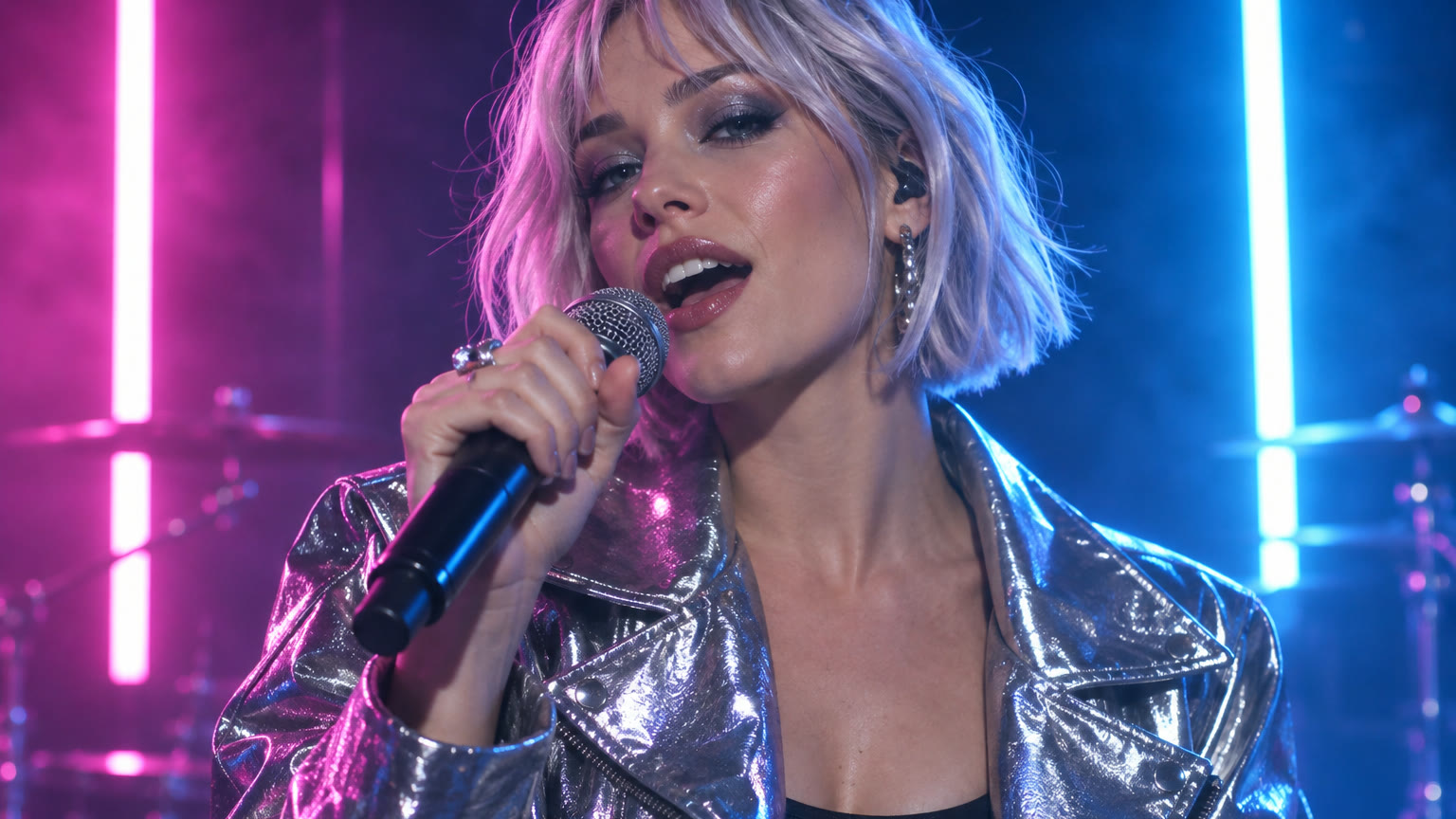
Result Neon synth-pop singer in a studio (MiniMax H3)
Made with MiniMax H3
Prompt
Synth-pop music video, one continuous shot. She sings with energy into the microphone, lips matching the words: "Neon heart, we run tonight, chasing every city light." Pulsing synth beat with bright female vocals. The neon tubes pulse in time with the beat, the camera circles her, haze drifts through the light. Keep her face, hair and jacket the same.
Original 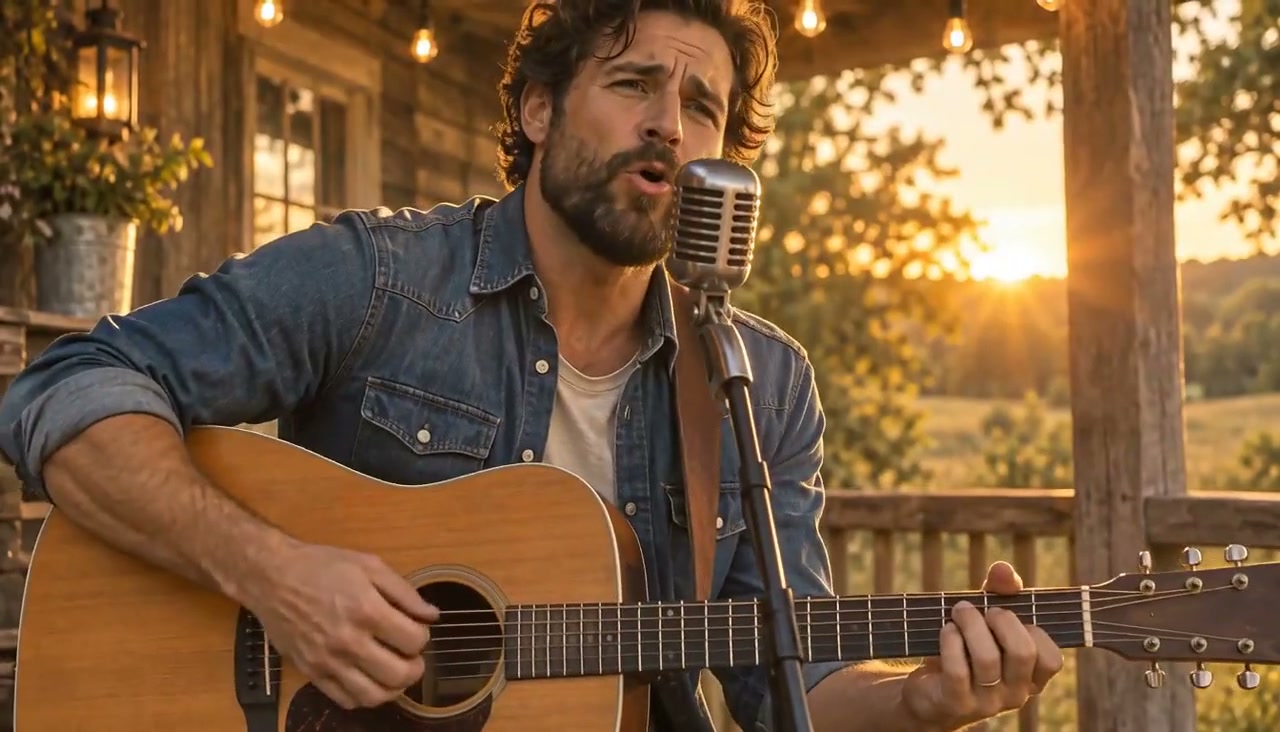
Result Folk singer on a porch at golden hour (MiniMax H3)
Made with MiniMax H3
Prompt
Folk music video, one continuous shot. The man strums the acoustic guitar and sings warmly into the microphone, lips matching the words: "Golden light on the old front porch, I kept this song for you." Gentle acoustic guitar melody with a soft male voice. Slow push-in, then a gentle half orbit; string lights twinkle, dust floats in the sunbeams. Keep his face, clothes and guitar the same.
More examples
Each "Make one like this" loads a prompt into the box at the top. Add your own photo with +, or send it as text.
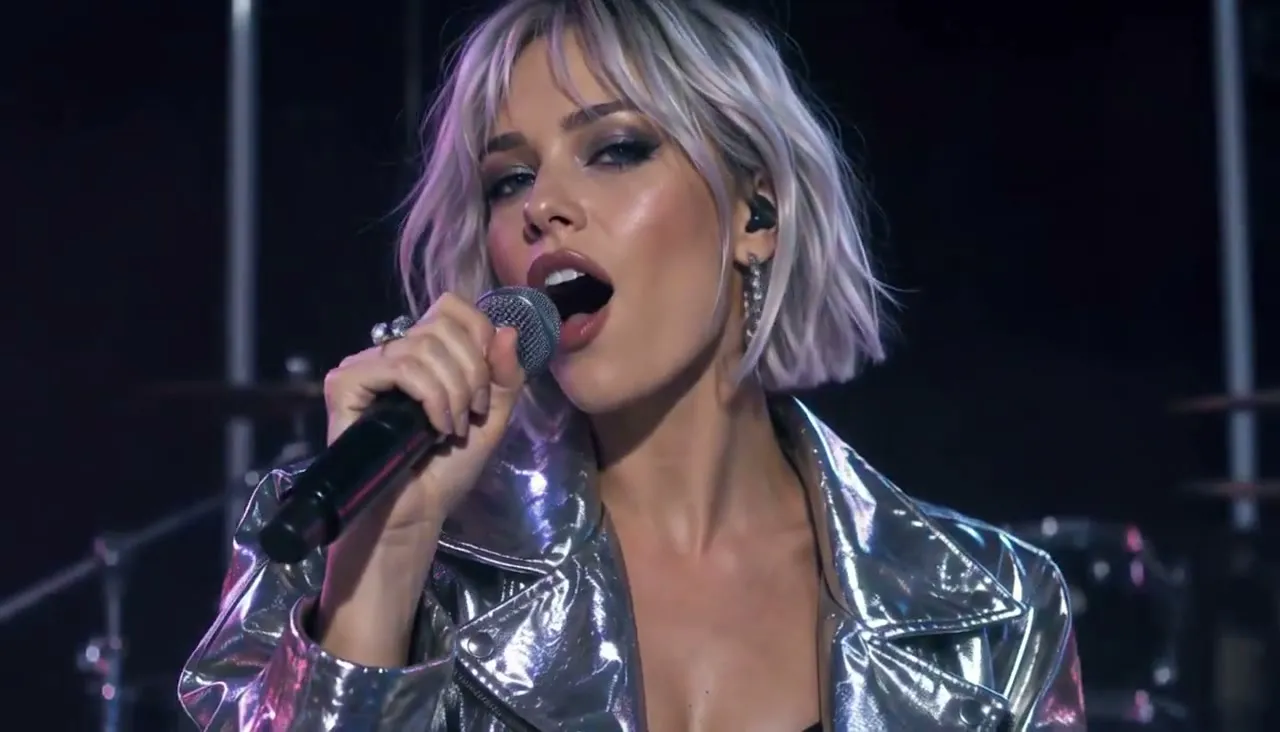
Synth-pop singer with a silver bob and metallic jacket under neon lights
Synth-pop music video, one continuous shot. She sings with energy into the microphone, lips matching the words: "Neon heart, we run tonight, chasing every city light." Pulsing synth beat with bright female vocals. The neon tubes pulse in time with the beat, the camera circles her, haze drifts through the light. Keep her face, hair and jacket the same.
Make one like thisRuns on MiniMax H3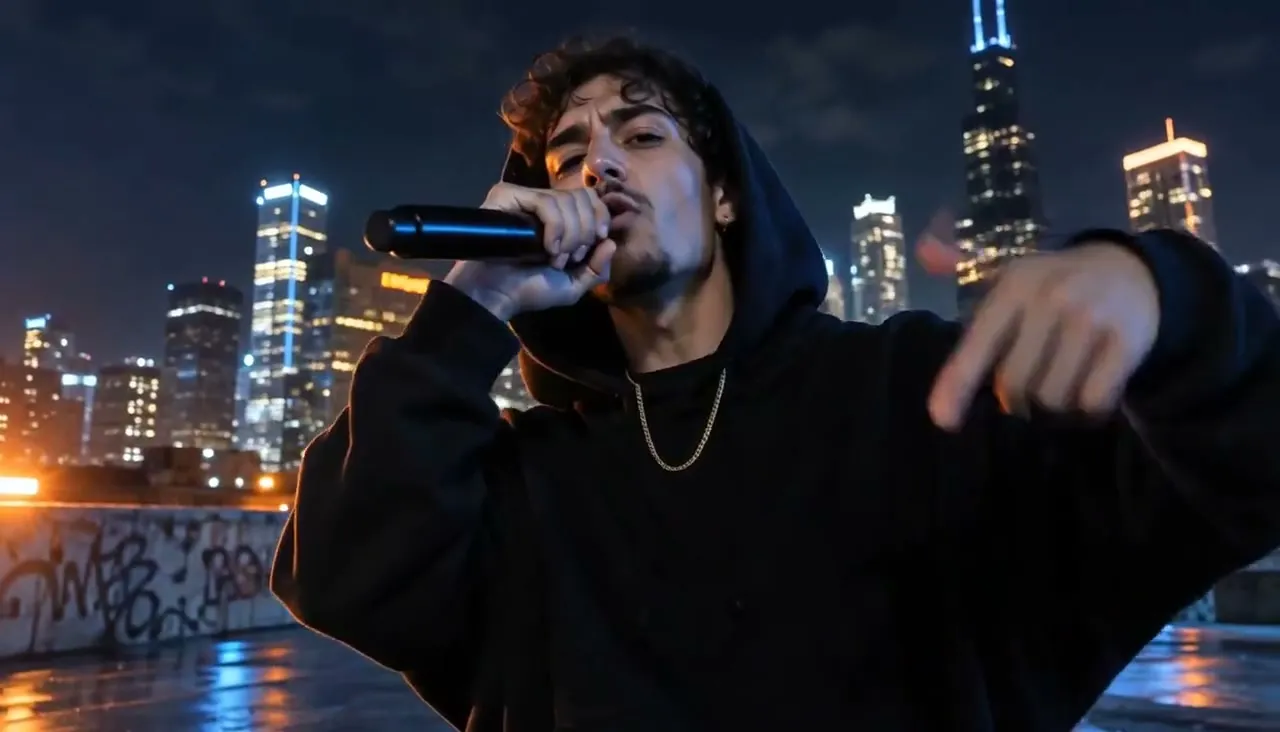
Rapper in a black hoodie performing on a city rooftop at night
Hip-hop music video, one continuous shot. He raps confidently to the camera with hand gestures, lips matching the words: "Up on the roof with the city below, every light in the skyline is a place I go." Hard boom-bap drums with deep bass and a male rap vocal. Handheld low-angle camera slowly orbits him, the skyline lights glow and blink behind. Keep his face, hoodie and chain the same.
Make one like thisRuns on MiniMax H3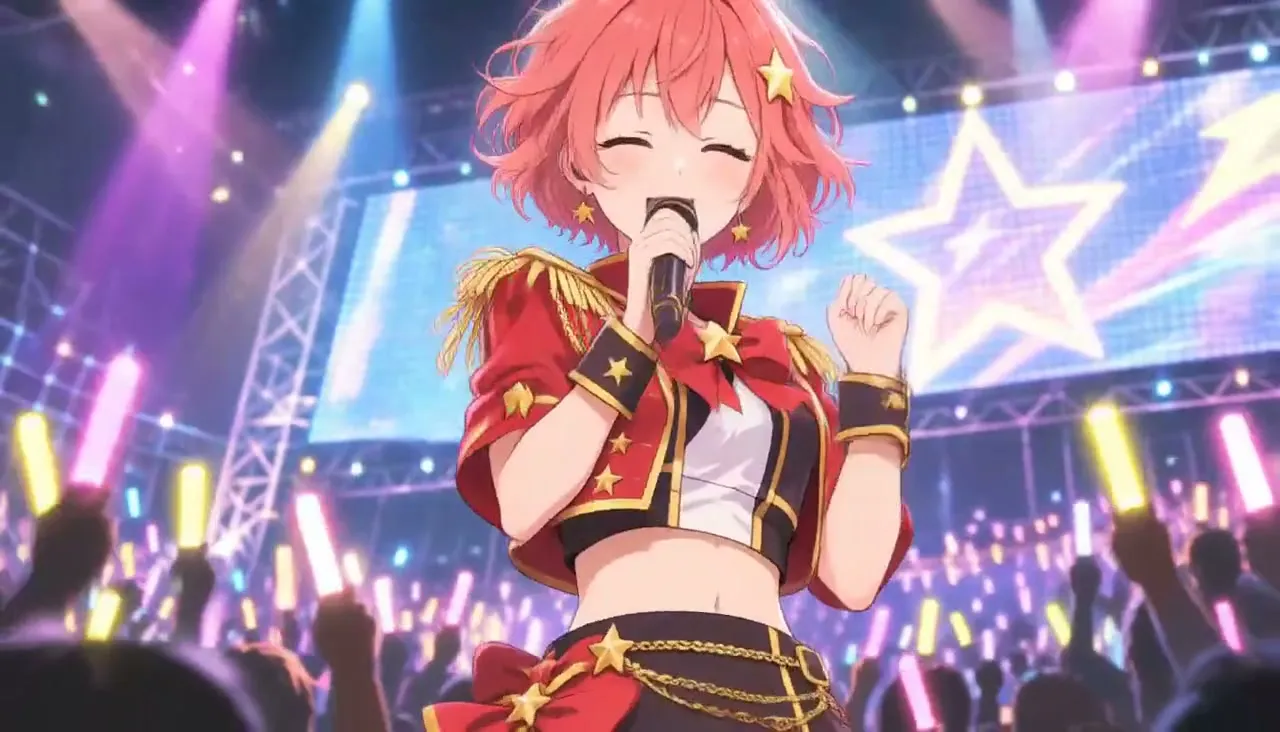
Original anime idol with coral-pink hair singing at a concert with lightsticks
Anime idol concert music video, one continuous shot. The singer sings a bright chorus and waves to the crowd, lips matching the words: "Shine with me tonight, we are the stars, la la la." Upbeat J-pop with drums, synths and a clear female voice. Spotlights sweep, the crowd waves glowing lightsticks, confetti falls, the camera slowly pushes in. Keep the anime style and the character the same.
Make one like thisRuns on MiniMax H3
Try AI Music Video Generator now
Start from a ready-made prompt and see the price before you send. You sign in before your first render.
Why use this AI Music Video Generator
AI music video from your own photo
Your photo becomes the opening frame, so the performer, outfit and setting start out exactly as you shot or drew them. The model then animates the singing, the hands on the instrument and the camera.
Music, vocals and picture in one render
MiniMax H3 generates the soundtrack with the video, so the clip arrives with a beat, a melody and a voice. Name the genre and put a line of lyrics in quotes to steer what is sung.
Music video styles from folk to anime idol
Acoustic sets, neon synth-pop, rooftop rap or an anime concert: describe the genre, lighting and camera move, and refine the result in the same chat instead of starting over.
What you can make with AI Music Video Generator
Visuals for an AI song
Give a song you made in a music app a performer and a stage. Use the clip as a teaser, a Spotify Canvas-style loop or the opening shot of a longer edit.
Short performance clips for socials
Make a singer, a band character or a virtual idol perform a hook for Reels, TikTok and Shorts. Try several genres with the same photo and keep the best take.
Pitching a music video idea
Show a director, a band or a client the look, light and camera move before anything is shot, starting from a reference photo of the artist.
How to make an AI music video
Step 1
Add a photo or describe the scene
Upload a sharp photo with the face and the microphone or instrument in frame, cropped the way the clip should open. Drawn and anime characters work too. No photo yet? Describe the singer and the stage instead, or make a still with the AI Image Generator first.
Step 2
Edit the starter prompt
The prompt box starts with a ready-made AI Music Video prompt. Change the subject, setting or mood in plain words; the agent turns it into a detailed prompt.
Step 3
Pick model, length and resolution
Choose a video model, a length and a resolution in the composer. The credit price updates before you send.
Step 4
Generate, refine and download
Send it (you will be asked to sign in first if you are not). Ask for changes in the same chat, such as a different mood or pacing, then download the version you like.
Try AI Music Video Generator now
Before a first plan or credit pack, clips render at the model's lowest resolution and up to 5 seconds; buying either unlocks every resolution and length.
AI Music Video Generator: limitations and tips
Each clip is one shot of up to 15 seconds, not a full-length music video. For a whole song, generate several clips and join them in an editor.
You cannot upload your own song or vocal track. The model composes the music and singing from your description, and it does not always sing the exact words you quote.
Lip sync is approximate: mouths move with the vocals, but fast lyrics and rap verses drift more than slow, held notes.
Do not ask for a real artist’s voice, a famous song or a copyrighted character. Describe an original performer and original lyrics.
Each render is a single clip of 3 to 30 seconds, depending on the model (Muse is always 10 seconds).
Photos go in as frames, not as character references: the first photo is the opening frame, and on MiniMax H3, MiniMax H3 Max, Seedance 2.5, Seedance 2.0, Seedance 2.0 Fast, Seedance 2.0 Mini, and Kling V4 a second photo sets the closing frame. Kling V4 Flash, Gemini Omni 1.2 Flash, and Muse take one photo.
Hands, fast motion and on-screen text are where current video models slip most often. A simpler action or a second try usually helps.
AI Music Video Generator: frequently asked questions
What is AI Music Video?
An AI music video generator makes a short performance clip, with music and singing, from a text description or a photo. AI Trend Studio uses your photo as the first frame and generates the performance, camera moves and soundtrack from your prompt.
How do I make an AI music video?
Open AI Music Video on AI Trend Studio, upload a photo or describe the scene in the prompt box and send it. An AI agent writes a detailed prompt from yours and renders a 4–15 second video clip, usually within a few minutes; ask for changes in the same chat and download the version you like.
Can I make a vertical music video for TikTok or Reels?
Yes. Upload a vertical photo, since the clip follows the shape of your photo, or pick 9:16 in the composer when you start from text. Keep the singer centred so the face stays in frame on phones.
Which model is best for AI music videos?
The page opens with MiniMax H3, which renders up to 15 seconds with music and vocals and keeps faces close to the photo. Every video model in AI Trend Studio adds sound, so you can switch models in the composer and compare.
Can I upload my own song and get a video synced to it?
Not yet. AI Trend Studio does not take audio uploads. Describe the genre, tempo and mood, and put a short line of lyrics in quotes; MiniMax H3 writes and sings its own version in the clip.
How long can an AI music video be?
MiniMax H3 renders 15 seconds at most per clip. A 15-second clip costs 30 credits at 768P or 51 credits at 2K, and the composer shows the price before you send.
Can I make a cartoon or anime character sing?
Yes. Upload the drawing as the opening frame and ask the model to keep the art style. Use your own original character: requests built around well-known characters may be refused or come out off-model.
Do I need to upload a photo for AI Music Video?
No, a photo is optional. Upload one to keep a specific subject, or describe the scene in words and AI Trend Studio generates it from the text.
How much does AI Music Video cost?
A AI Music Video clip costs from 3 credits, typically 10 credits for a 5-second MiniMax H3 clip at 768P. Plans start at $19.90 a month for 200 credits and credit packs at $19.90 for 120 credits; the exact price shows before you send, and failed renders are refunded.
Which AI models does AI Music Video use?
AI Music Video on AI Trend Studio runs on MiniMax H3, MiniMax H3 Max, Seedance 2.5, Seedance 2.0, Seedance 2.0 Fast, Seedance 2.0 Mini, Kling V4, Kling V4 Flash, Gemini Omni 1.2 Flash, and Muse. Keep the default or pick a model per request; the composer shows each one's price before you send.
Related tools and effects
- MiniMax H3Make a video with MiniMax H3
- Image to Video AITurn an image into a video with AI
- Text to Video AIMake a video from text with AI
- AI Dance Video GeneratorHOTMake a photo dance with AI
- Photo to Video AITurn a photo into a video
- AI Photo EditorEdit a photo with AI
- AI Avatar GeneratorMake an AI avatar from a selfie
- AI Image GeneratorGenerate an image from text
Ready to try AI Music Video Generator?
The starter prompt is already in the box at the top of this page. Edit it, check the price and send.
- Price shown before you send
- Failed renders are refunded
- Refine the result in chat