
AI image effectNEW
Photo to Sketch: Turn Your Photo into a Pencil, Charcoal or Ink Drawing
Upload a portrait, a pet or a place and get it back as a hand-drawn sketch: graphite pencil with shading, expressive charcoal, or clean ink lines with a light wash. Name the style, the paper and how detailed it should be.
Type a prompt or upload a photo. We'll take it to the studio.
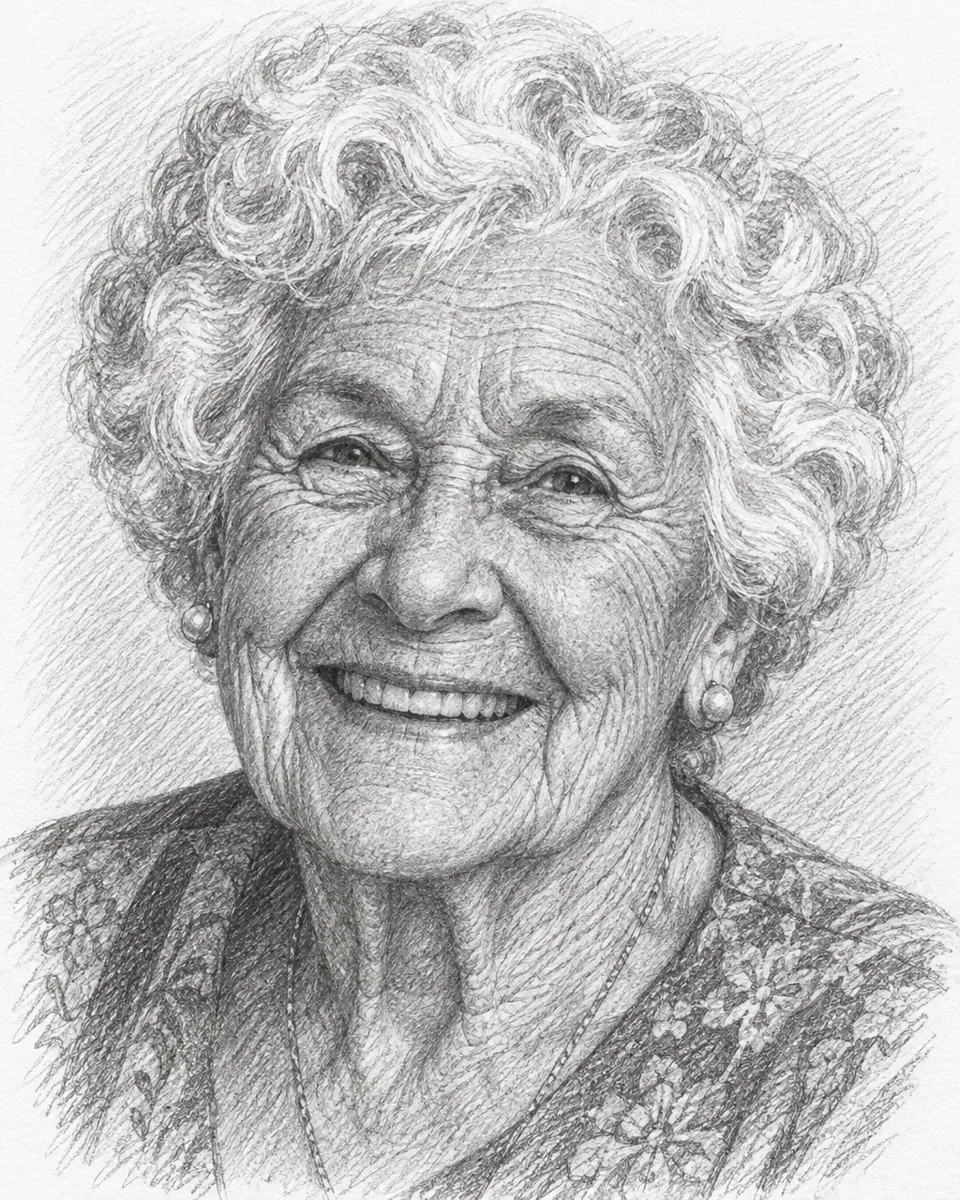
People shown are AI-generated and fictional. Samples were made with AI Trend Studio.
- You bring
- A photo, or a description in words
- You get
- A still image at 1K, 2K or 4K
- Runs on
- 4 image models, GPT Image 2.6 Flare by default
- Price
- From 1 credit an image, shown before you send
Photo to Sketch examples
People shown are AI-generated and fictional. Samples were made with AI Trend Studio.
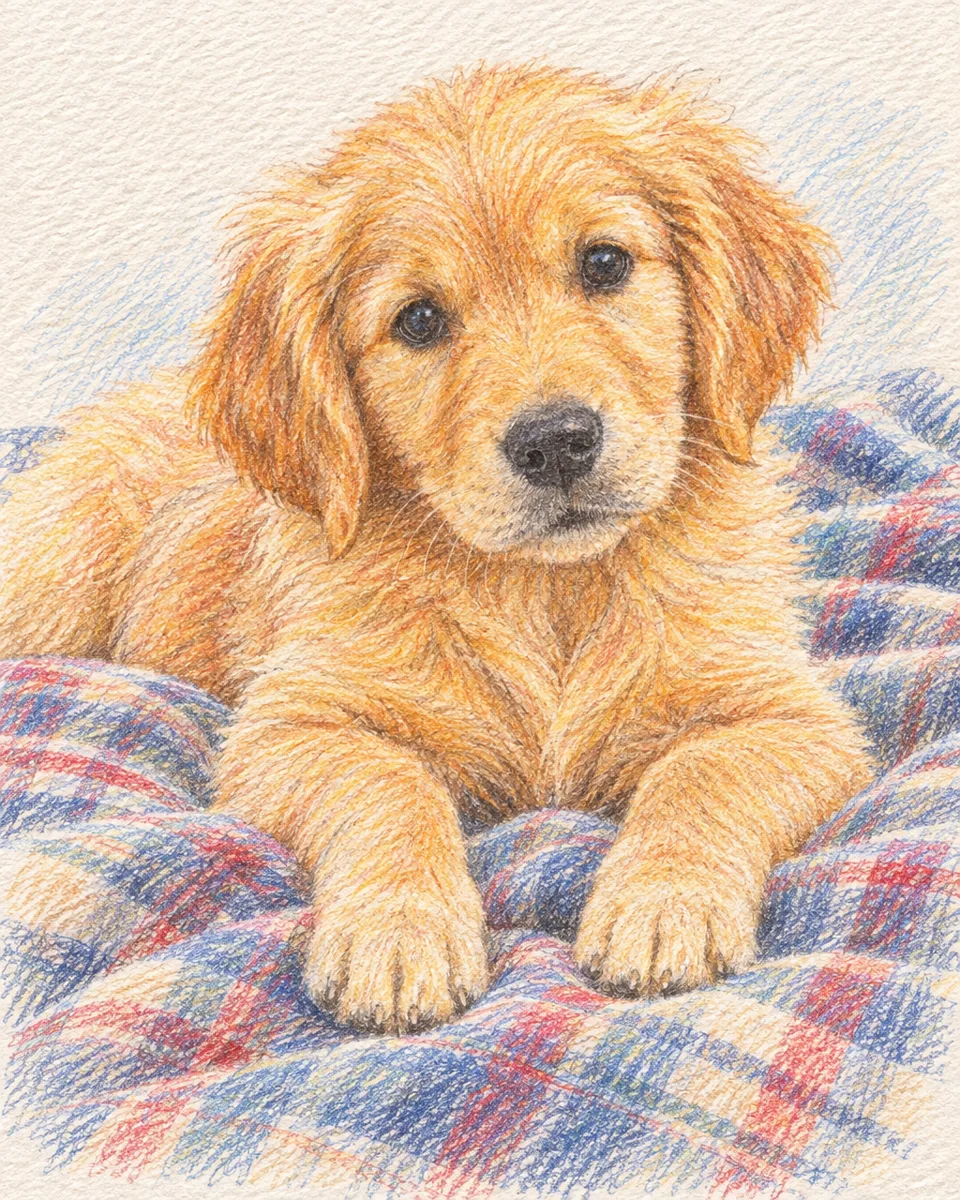
Photo to sketch sample: coloured pencil drawing of a golden retriever puppy on a blanket (AI-generated)
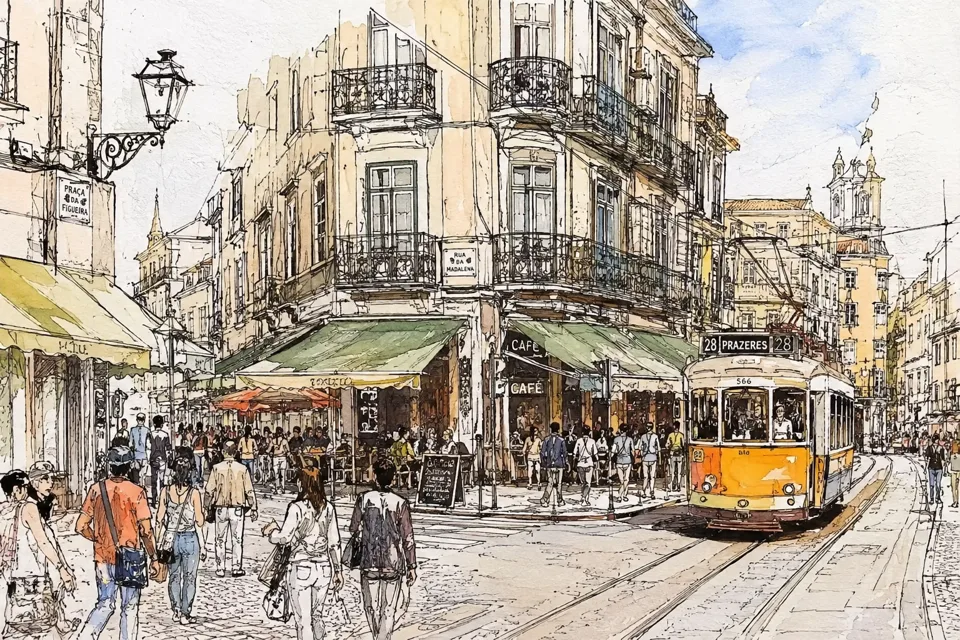
Photo to sketch sample: ink and watercolour sketch of a street corner with a tram (AI-generated)
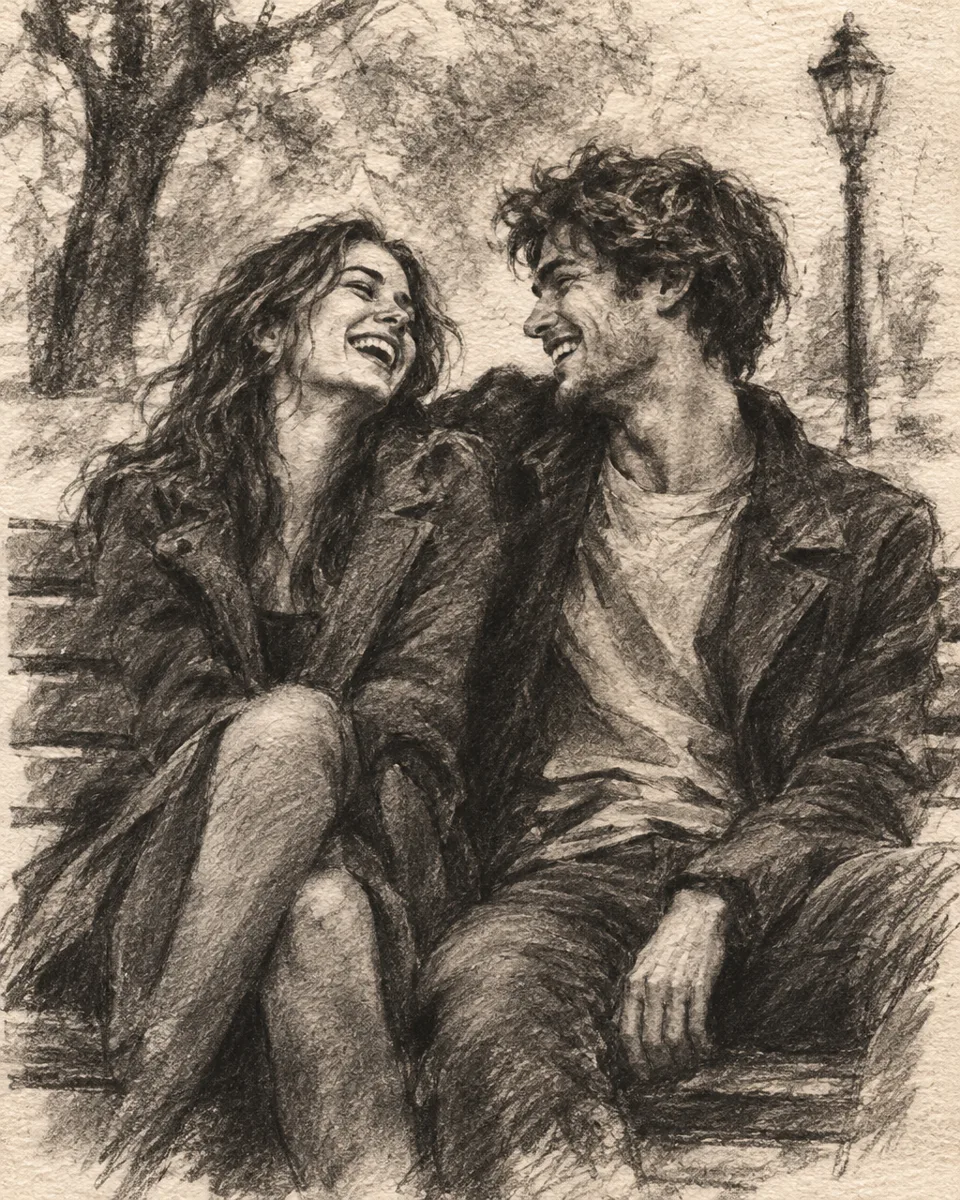
Photo to sketch sample: charcoal drawing of a couple laughing on a park bench (AI-generated, fictional people)
Real Photo to Sketch cases with prompts
Each case was made in AI Trend Studio with the prompt shown. Use a prompt as your starting point: results vary from one render to the next.
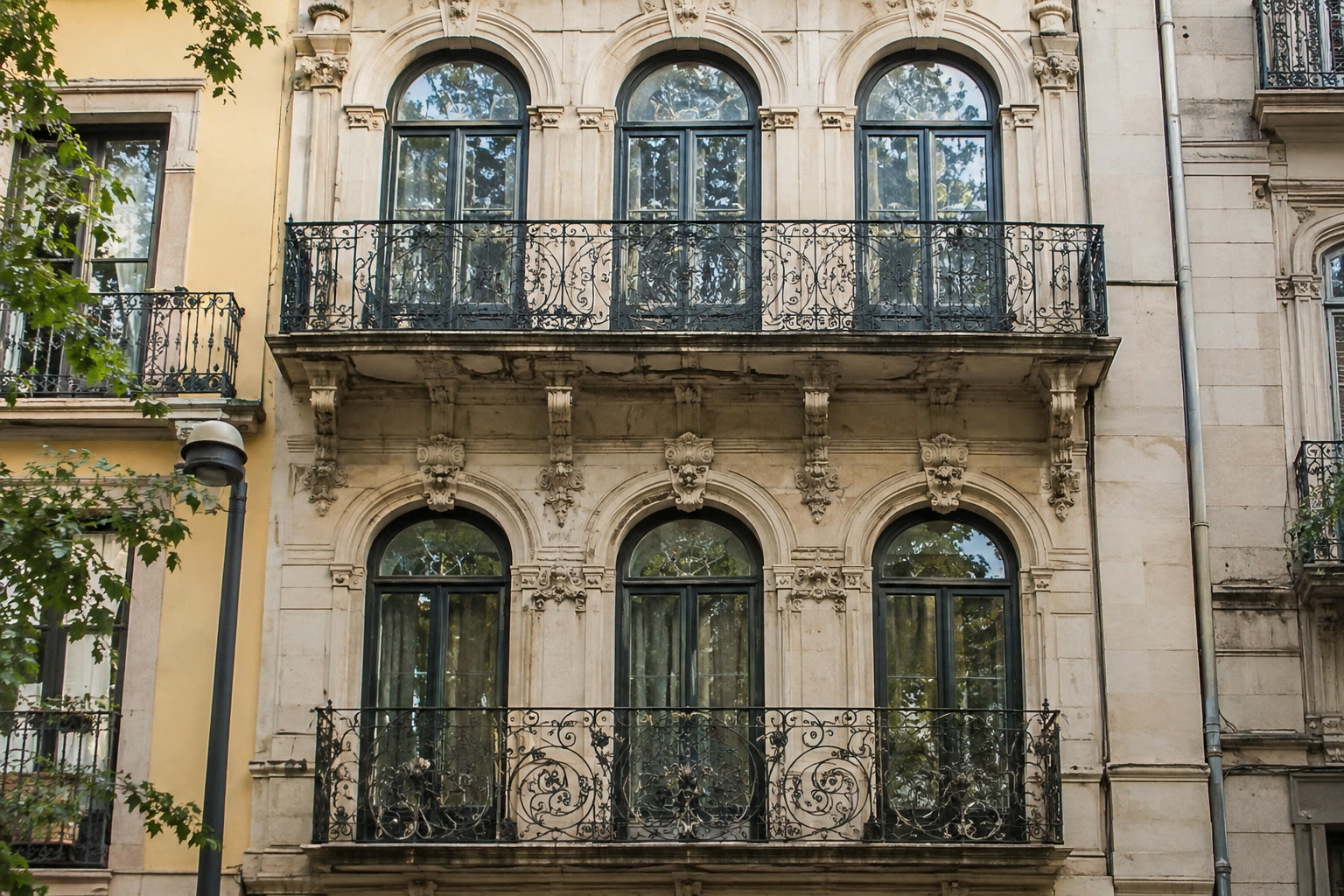
Original 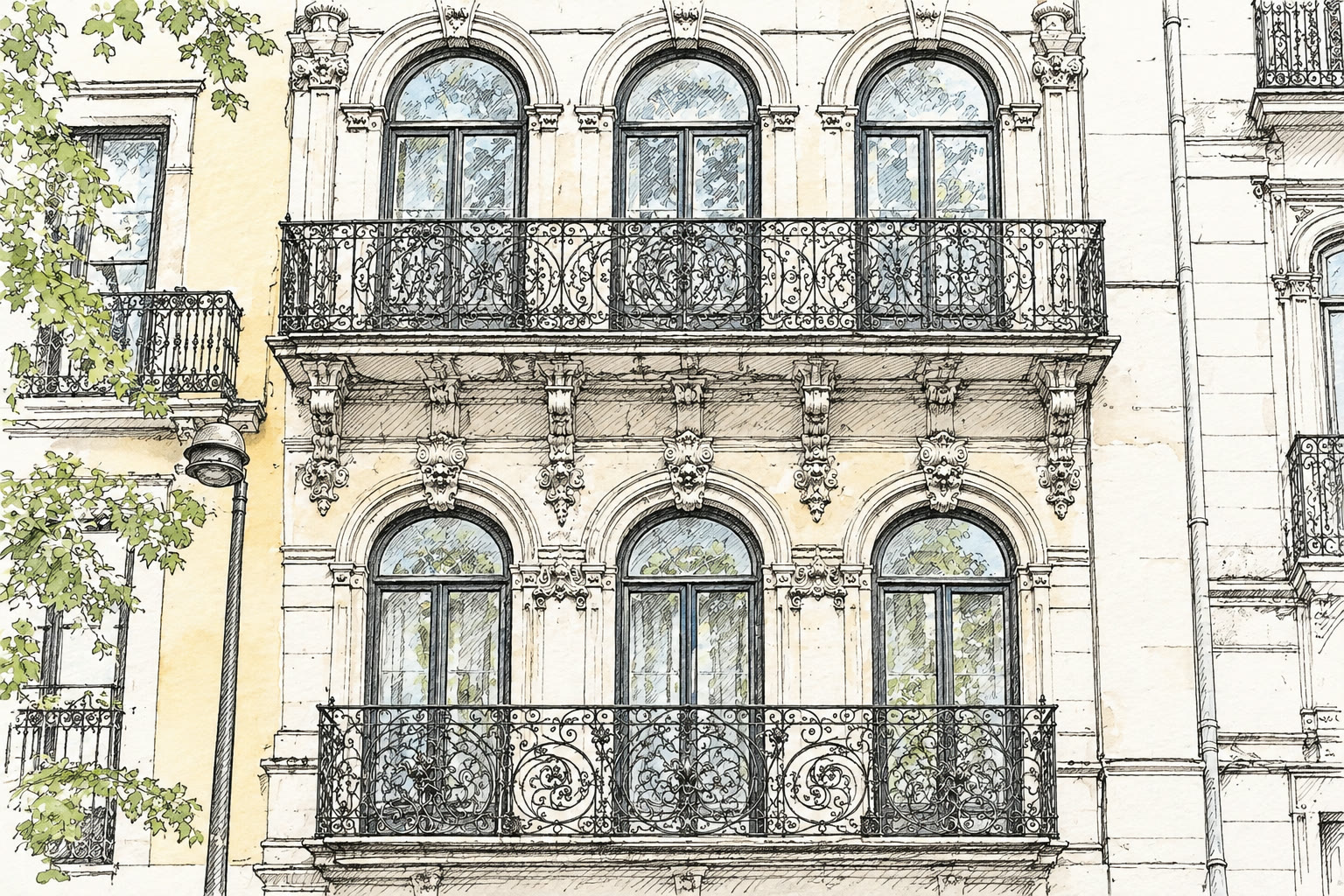
Result Building photo turned into an ink line drawing
Prompt
Redraw this photo completely as a hand-drawn black ink pen sketch on white paper in an urban sketching style: only fine black pen lines and light hatching, with a faint watercolour wash in a few places, lots of white paper showing, no photographic texture. Keep the facade, balconies and arched windows accurate.
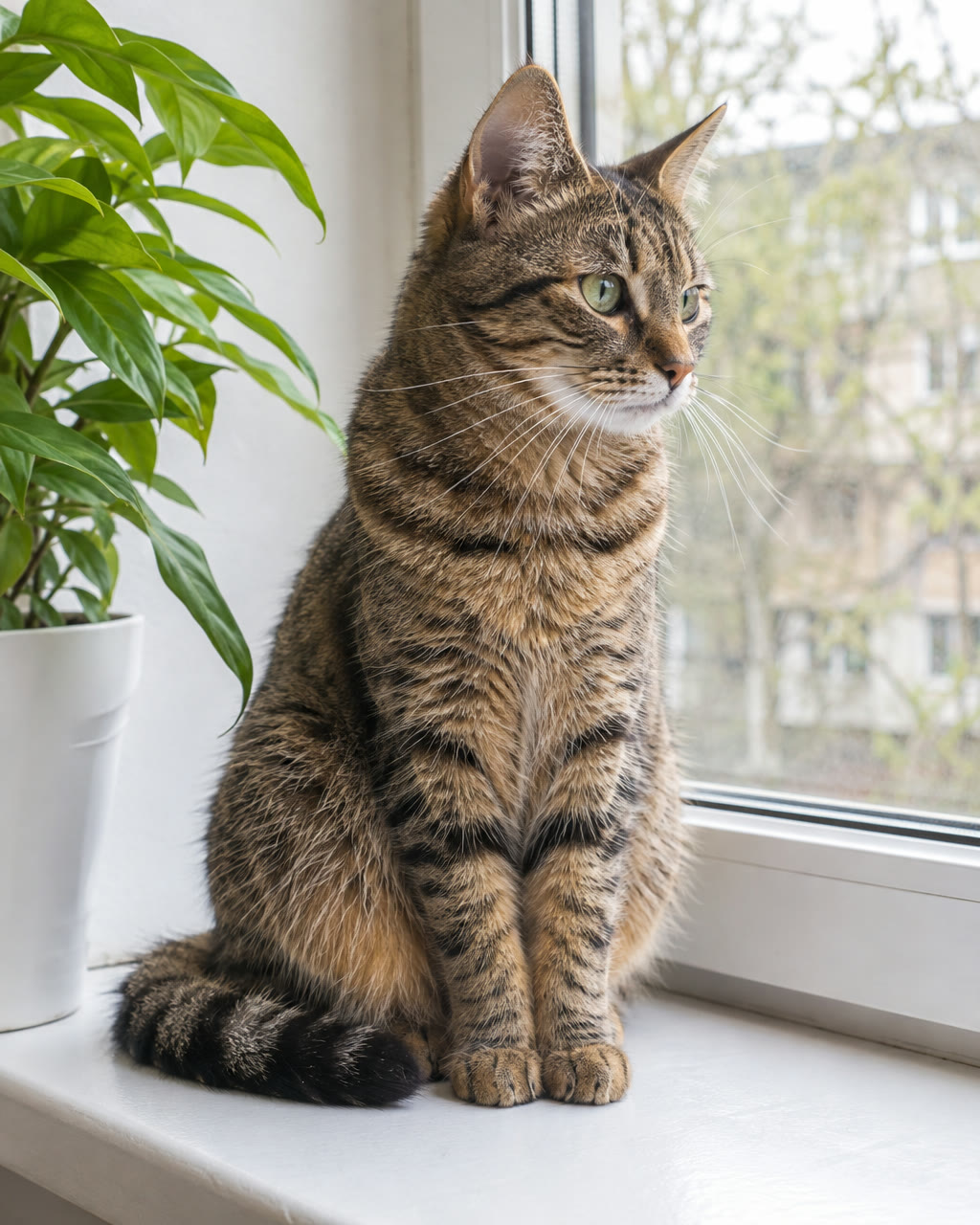
Original 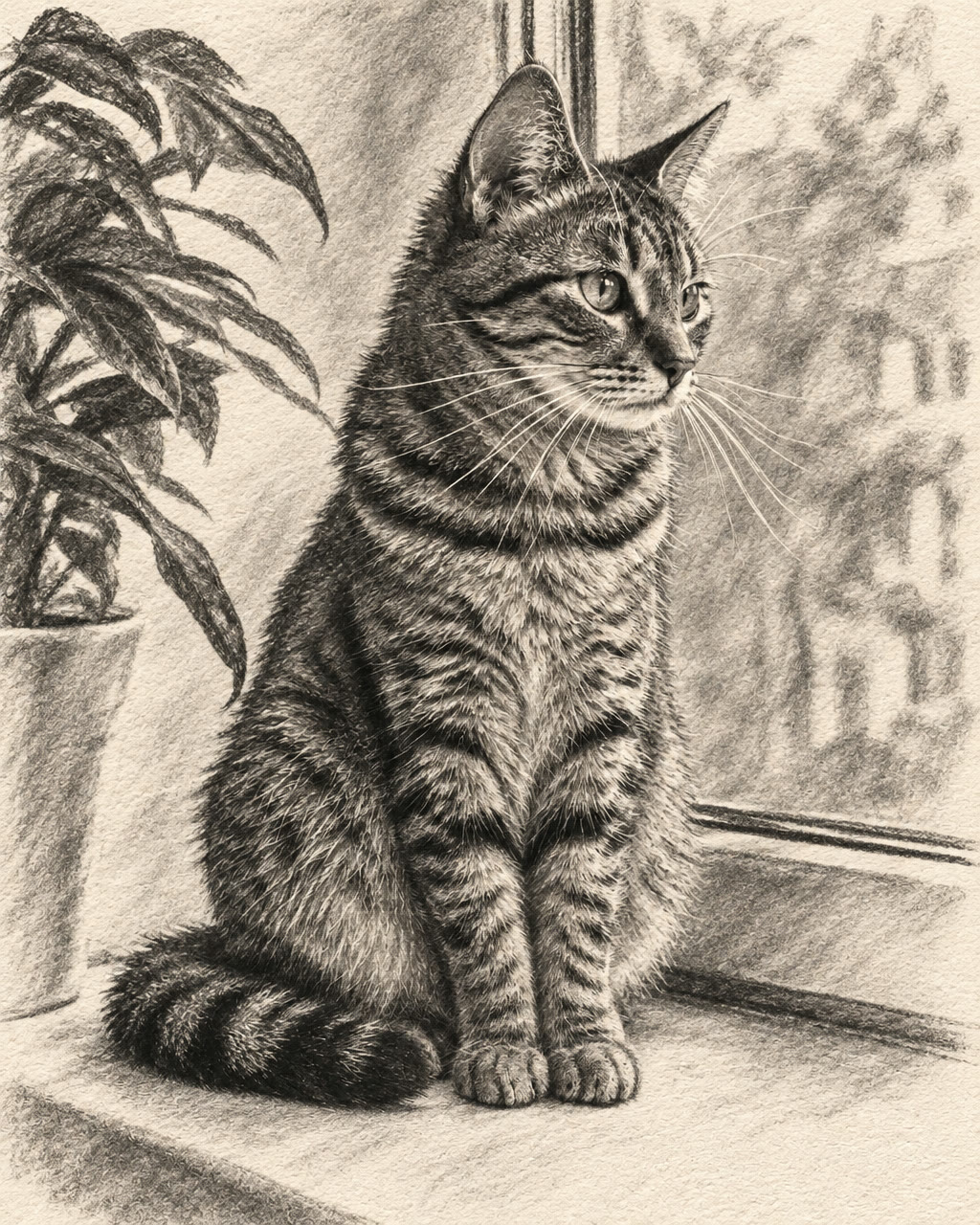
Result Pet photo turned into a charcoal drawing
Prompt
Turn this photo into an expressive charcoal drawing on textured off-white paper, soft smudged shadows and bold strokes for the fur. Keep the cat's pose, face and stripes recognisable.
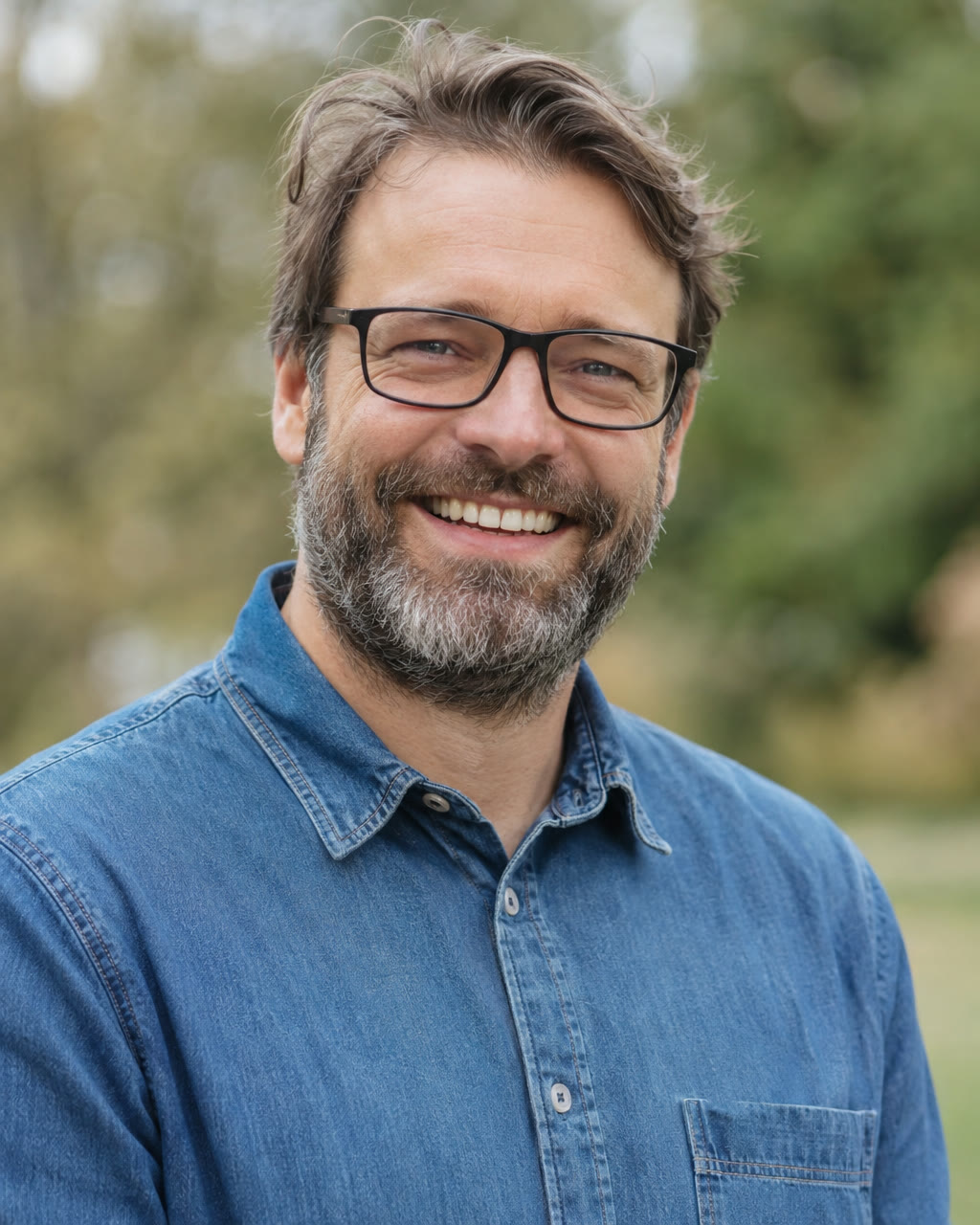
Original 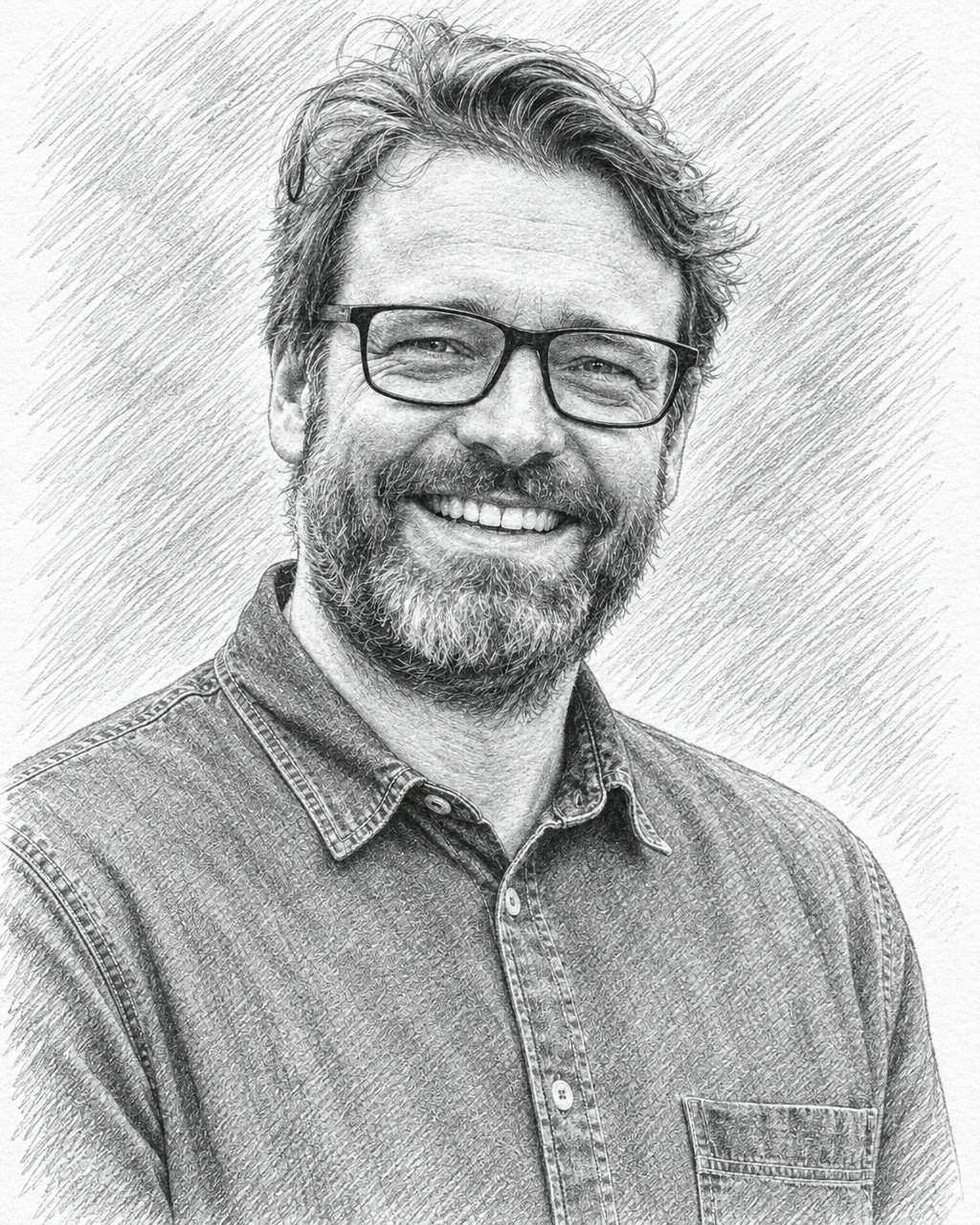
Result Portrait photo turned into a pencil sketch
Prompt
Turn this photo into a detailed graphite pencil sketch on white paper with realistic shading and cross-hatching. Keep his face, expression, beard and glasses exactly like the photo.
Try Photo to Sketch now
Start from a ready-made prompt and see the price before you send. You sign in before your first render.
Why use this Photo to Sketch
Photo to sketch in pencil, charcoal or ink
Ask for graphite with cross-hatching, smudged charcoal, fine pen lines or coloured pencil, and the paper it is drawn on.
Image to sketch for portraits, pets and places
Faces, fur and facades all work; say what must stay recognisable, such as glasses, markings or arched windows.
Sketch art for gifts and prints
Download at 2K or 4K for a framed print or a card, or animate the sketch afterwards in the same chat.
What you can make with Photo to Sketch
Portrait gifts
A pencil portrait of a parent, a partner or a friend from a favourite photo.
Pet drawings
A charcoal or coloured pencil sketch of your dog or cat for the wall or a card.
Travel and architecture sketches
Turn holiday photos of streets and buildings into urban-sketch style drawings.
How to turn a photo into a sketch
Step 1
Add your photo
Use a sharp photo with one clear subject and simple background, such as a portrait, a pet or a building front. Busy scenes turn into busy sketches.
Step 2
Edit the starter prompt
The prompt box starts with a ready-made Photo to Sketch prompt. Change the subject, setting or mood in plain words; the agent turns it into a detailed prompt.
Step 3
Pick model and resolution
Choose an image model and a resolution (1K, 2K or 4K) in the composer. The credit price shows before you send.
Step 4
Generate, refine and download
Send it (you will be asked to sign in first if you are not). Ask for changes in the same chat, such as a different mood or pacing, then download the version you like.
Try Photo to Sketch now
Before a first plan or credit pack, images carry a small watermark; buying either removes it.
Photo to Sketch: limitations and tips
It is a generated drawing, not a trace: proportions and small details can shift. Generate a few versions and keep the closest.
Faces in small or blurry photos come out less like the person. Use a clear, well-lit photo.
The result is a flat image, not a layered file or a 3D model.
Lettering, logos and small text can come out misspelt. Put exact words in quotes and check them before you publish.
Likeness is approximate: models keep broad features such as hair, clothing and face shape, but fine details can change, more so in stylised looks.
Photo to Sketch: frequently asked questions
What is Photo to Sketch?
The Photo to Sketch effect is an image effect that redraws a photo as a hand-drawn sketch in the style you name.
How do I turn a photo into a sketch?
Open Photo to Sketch on AI Trend Studio, upload a photo or describe the scene in the prompt box and send it. An AI agent writes a detailed prompt from yours and renders an image at 1K, 2K or 4K; ask for changes in the same chat and download the version you like.
How do I turn a picture into a pencil drawing?
Upload the picture and ask for a graphite pencil sketch with the amount of shading you want. A clear photo with one subject gives the cleanest drawing.
Can I turn a photo into a line drawing for colouring?
Yes. Ask for clean black outlines with no shading on a white background. Lines can need a little cleanup before printing, so check the result at full size.
Which sketch styles can I ask for?
Graphite pencil, charcoal, ink line drawing, coloured pencil or pencil with a watercolour wash. You can also set the paper, the line weight and how much shading to use.
Do I need to upload a photo for Photo to Sketch?
A photo gives the best result: Photo to Sketch uses it so your subject stays recognisable. You can also describe the scene in words and let AI Trend Studio generate it.
How much does Photo to Sketch cost?
A Photo to Sketch image costs 1–7 credits depending on the model and resolution, 1 credit on the default GPT Image 2.6 Flare at 1K. Plans start at $9.90 a month for 80 credits and credit packs at $9.90 for 50 credits; the price shows before you send.
Which AI models does Photo to Sketch use?
Photo to Sketch on AI Trend Studio runs on Nano Banana Pro, Nano Banana 2.1, GPT Image 2.6 Flare, and GPT Image 2.6 Sunburst. Keep the default or pick a model per request; the composer shows each one's price before you send.
Related tools and effects
- AI Anime FilterNEWTurn a photo into anime
- Ghibli Style AIHOTTurn a photo into Ghibli-style art
- Image to Image AITurn an image into a new image with AI
- AI Kiss Video GeneratorHOTMake an AI kiss video
- AI Hug Video GeneratorHOTMake an AI hug video
- AI Muscle EffectHOTMake an AI muscle video
- AI Baby GeneratorHOTImagine a baby from two photos
- AI Dance Video GeneratorHOTMake a photo dance with AI
Ready to try Photo to Sketch?
Open the studio with a starter prompt, edit it and generate.
- Price shown before you send
- Failed renders are refunded
- Refine the result in chat