
Earth Zoom Out Video Effect
A dramatic pull-back shot: the camera rises from a street or a rooftop, past the clouds, until the whole planet is in view. Describe your starting place, or upload a photo to start from.
Type a prompt or upload a photo. We'll take it to the studio.
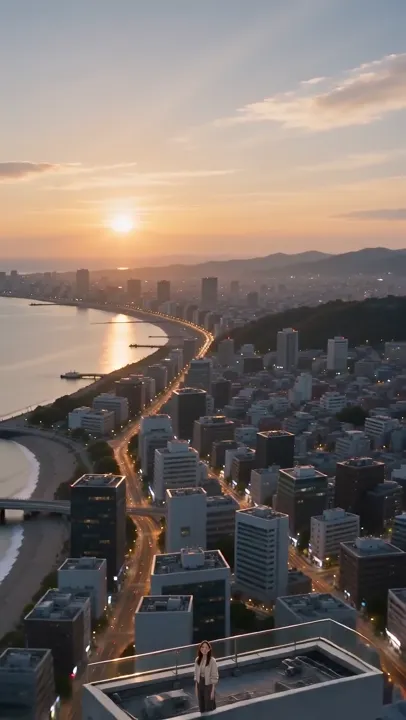
Earth Zoom Out sample made with AI Trend Studio
People shown are AI-generated and fictional. Samples were made with AI Trend Studio.
Earth zoom out from your own starting scene
Start from a photo of a place or write the opening shot in words; the model generates the pull-back.
A zoom out video effect you can steer
Specify the speed, the landmarks passed and how the shot ends, for example on the full globe or a star field.
Zoom-out clips with an impossible camera
It is generated art: geography is not accurate, and the model may invent coastlines and city lights.
How to use Earth Zoom Out
Step 1
Add your input
Upload a photo with the upload button, or skip it and describe the scene in words.
Step 2
Generate Earth Zoom Out
Send the prompt. The studio opens in video mode, writes a fuller prompt from yours and renders the result. You will be asked to sign in or sign up first if you are not signed in.
Step 3
Refine and download
Ask for changes in the same chat, such as a different mood or pacing, then download the version you like.
Earth Zoom Out examples
People shown are AI-generated and fictional. Samples were made with AI Trend Studio.
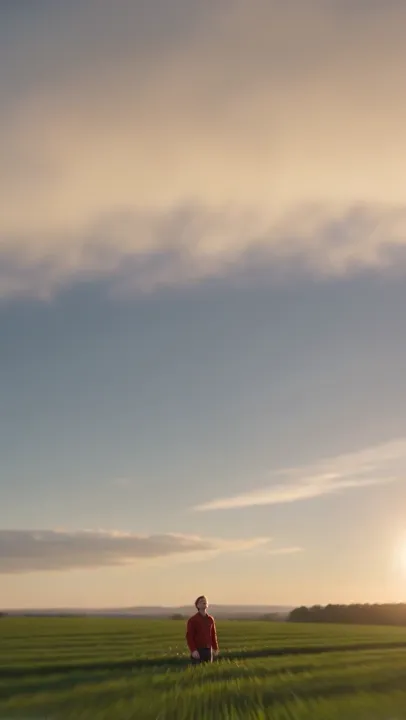
Earth zoom out video sample 2 (AI-generated fictional people)
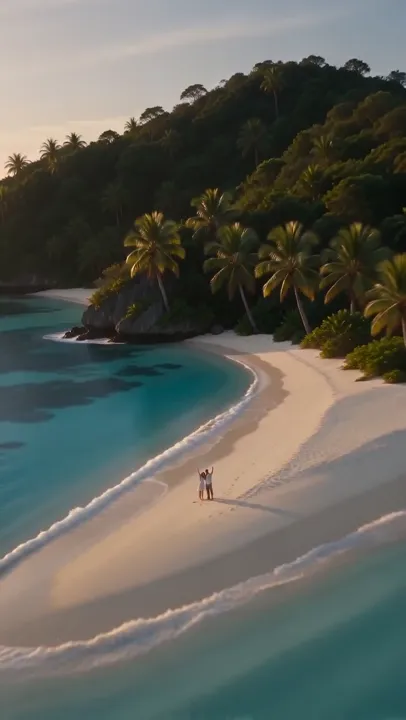
Earth zoom out video sample 3 (AI-generated fictional people)
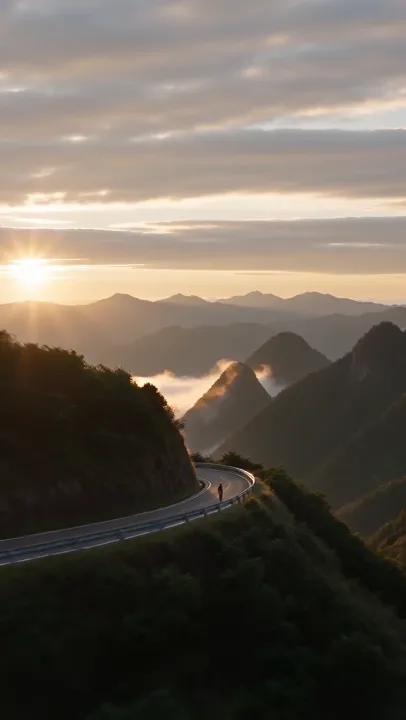
Earth zoom out video sample 4 (AI-generated fictional people)
Earth Zoom Out: frequently asked questions
What is Earth Zoom Out?
The Earth zoom out effect is a video effect where the camera pulls back from a scene on the ground out to a view of the Earth from space.
How do I use Earth Zoom Out?
Open Earth Zoom Out on AI Trend Studio, upload a photo or describe the scene in the prompt box and send it. An AI agent writes a detailed prompt from yours and renders a 4–30 second video clip, usually within a few minutes; ask for changes in the same chat and download the version you like.
Do I need to upload a photo for Earth Zoom Out?
No, a photo is optional. Upload one to keep a specific subject, or describe the scene in words and AI Trend Studio generates it from the text.
How much does Earth Zoom Out cost?
Earth Zoom Out on AI Trend Studio is paid in credits: a video costs from 8 credits (a 4-second Seedance 2.0 Mini clip at 480p), typically 9 credits for a 5-second MiniMax H3 clip at 768P. Plans start at $9.90 a month for 80 credits, credit packs at $9.90 for 50 credits. The exact price shows before you send, and failed or stopped renders are refunded.
Is Earth Zoom Out free?
You can try it free: the daily check-in on AI Trend Studio gives up to 10 credits a week, enough for a short clip. Until you buy a plan or a credit pack, videos render at the model's lowest resolution and up to 5 seconds (Muse: 10 seconds, its shortest length).
Will the Earth show my real location?
No. The planet and landmarks are generated and not map-accurate, so they will not match your real location.
Which AI models does Earth Zoom Out use?
Earth Zoom Out on AI Trend Studio runs on MiniMax H3, Seedance 2.0 Mini, and Muse. Keep the default or pick a model per request; the composer shows each one's price before you send.
Create with Earth Zoom Out
Open the studio with a starter prompt, edit it and generate.
Create with Earth Zoom Out