
AI Figurine Generator
See yourself, a friend or a pet as a polished 3D figurine on a display base. Upload a photo and the studio generates the figurine picture from a prompt you can edit.
Type a prompt or upload a photo. We'll take it to the studio.
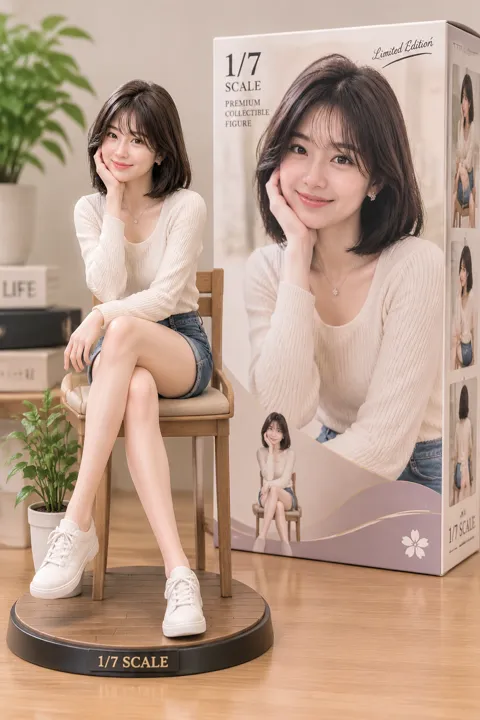
AI Figurine sample made with AI Trend Studio
People shown are AI-generated and fictional. Samples were made with AI Trend Studio.
AI figurine from a photo
A clear picture of the subject gives the model the shape and colours to build the figurine from.
Figurine AI with finishes you pick
Ask for matte resin, glossy vinyl or painted clay, and describe the base and the backdrop.
A 3D figurine picture, then a turntable clip
Ask the studio to animate the finished figurine as a slow turntable-style clip. Results are generated, not guaranteed to be a true 360° render.
How to use AI Figurine
Step 1
Add your input
Upload a clear photo with the upload button. A sharp picture with the subject in view gives the best starting point.
Step 2
Generate AI Figurine
Send the prompt. The studio opens in image mode, writes a fuller prompt from yours and renders the result. You will be asked to sign in or sign up first if you are not signed in.
Step 3
Refine and download
Ask for changes in the same chat, such as a different mood or pacing, then download the version you like.
AI Figurine examples
People shown are AI-generated and fictional. Samples were made with AI Trend Studio.
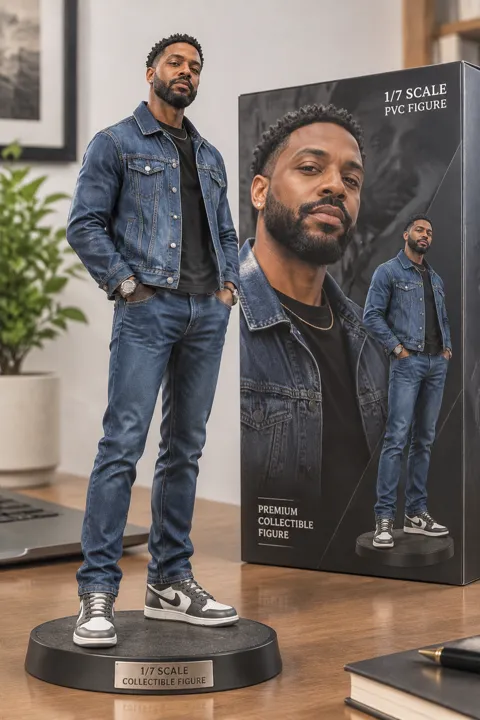
AI figurine generator image sample 2 (AI-generated fictional people)
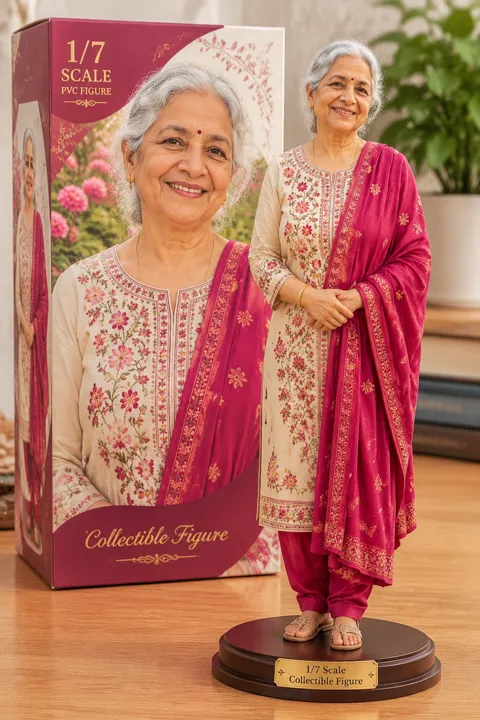
AI figurine generator image sample 3 (AI-generated fictional people)
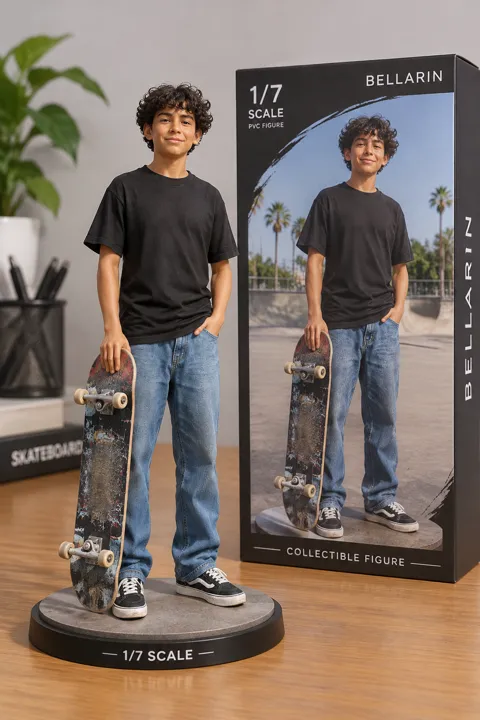
AI figurine generator image sample 4 (AI-generated fictional people)
AI Figurine: frequently asked questions
What is AI Figurine?
The AI figurine effect is an image effect that renders the subject of a photo as a 3D collectible figurine.
How do I use AI Figurine?
Open AI Figurine on AI Trend Studio, upload a photo or describe the scene in the prompt box and send it. An AI agent writes a detailed prompt from yours and renders an image at 1K, 2K or 4K; ask for changes in the same chat and download the version you like.
Do I need to upload a photo for AI Figurine?
A photo gives the best result: AI Figurine uses it so your subject stays recognisable. You can also describe the scene in words and let AI Trend Studio generate it.
How much does AI Figurine cost?
AI Figurine on AI Trend Studio is paid in credits: an image costs 1–7 credits depending on the model and resolution, 1 credit on the default GPT Image 2.5 Flare at 1K. Plans start at $9.90 a month for 80 credits, credit packs at $9.90 for 50 credits.
Is AI Figurine free?
You can try it free: the daily check-in on AI Trend Studio gives up to 10 credits a week, enough for several images. Until you buy a plan or a credit pack, images carry a small watermark.
Can I 3D print the figurine?
No. The output is a picture, not a 3D model file, so it cannot be printed directly.
Which AI models does AI Figurine use?
AI Figurine on AI Trend Studio runs on GPT Image 2, Nano Banana Pro, Nano Banana 2.1, GPT Image 2.5 Flare, and GPT Image 2.5 Sunburst. Keep the default or pick a model per request; the composer shows each one's price before you send.
Create with AI Figurine
Open the studio with a starter prompt, edit it and generate.
Create with AI Figurine