
AI Video Generator for Trending Effects
An image to video AI and text to video AI studio with trending AI video effects. Describe a shot or upload a photo, then chat to direct the result.
AI video generator samples for trending effects
People shown are AI-generated and fictional. Samples were made with AI Trend Studio.
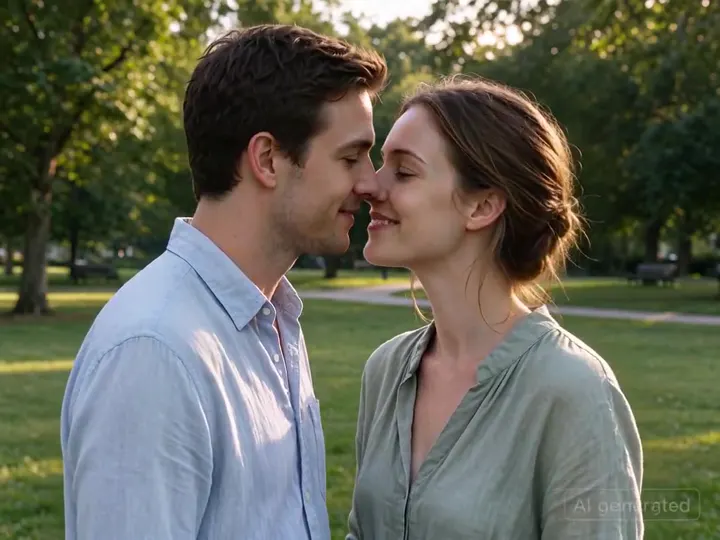
AI Kiss video generator sample
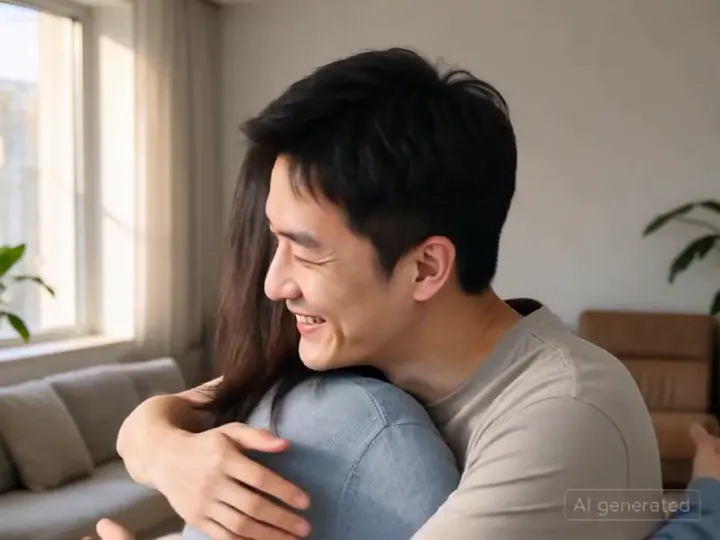
AI Hug video generator sample
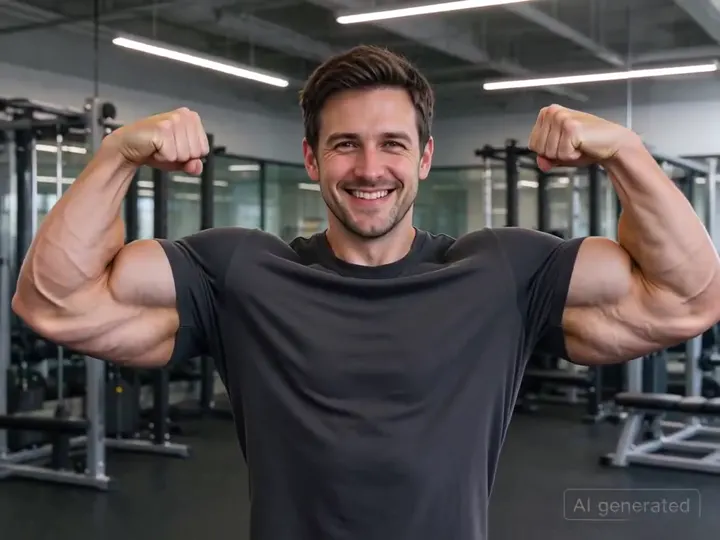
AI Muscle effect video sample
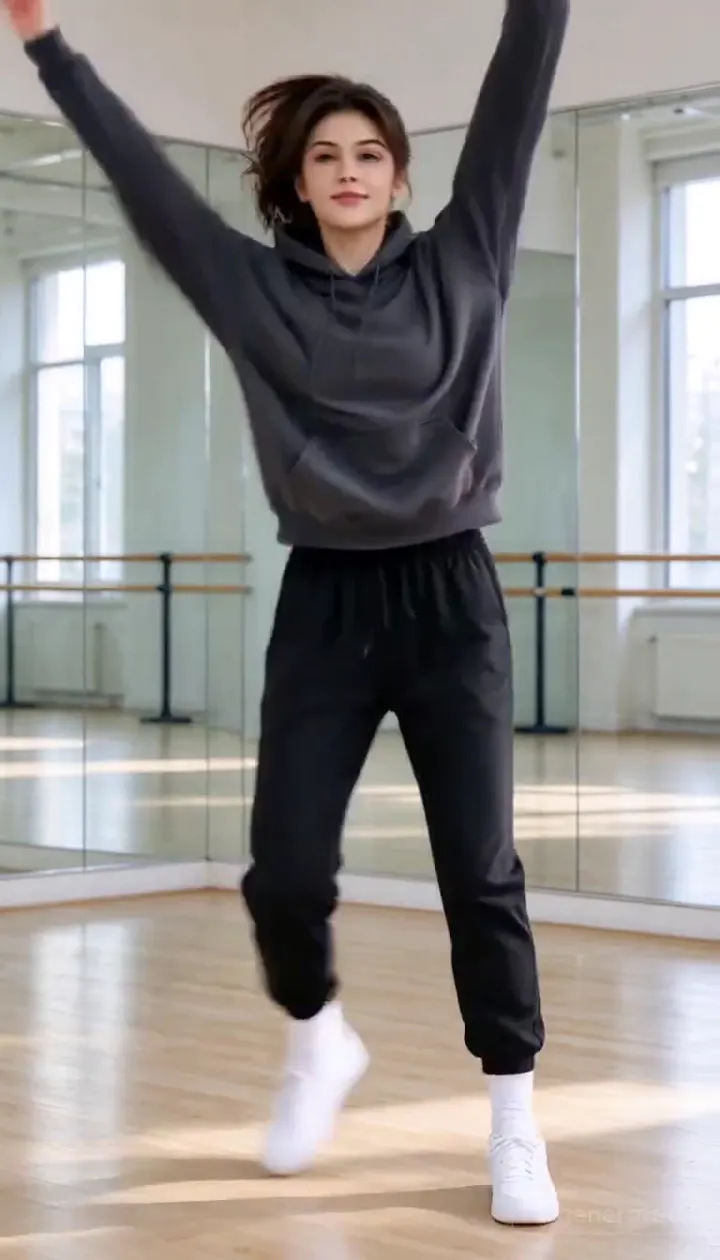
AI Dance video generator sample
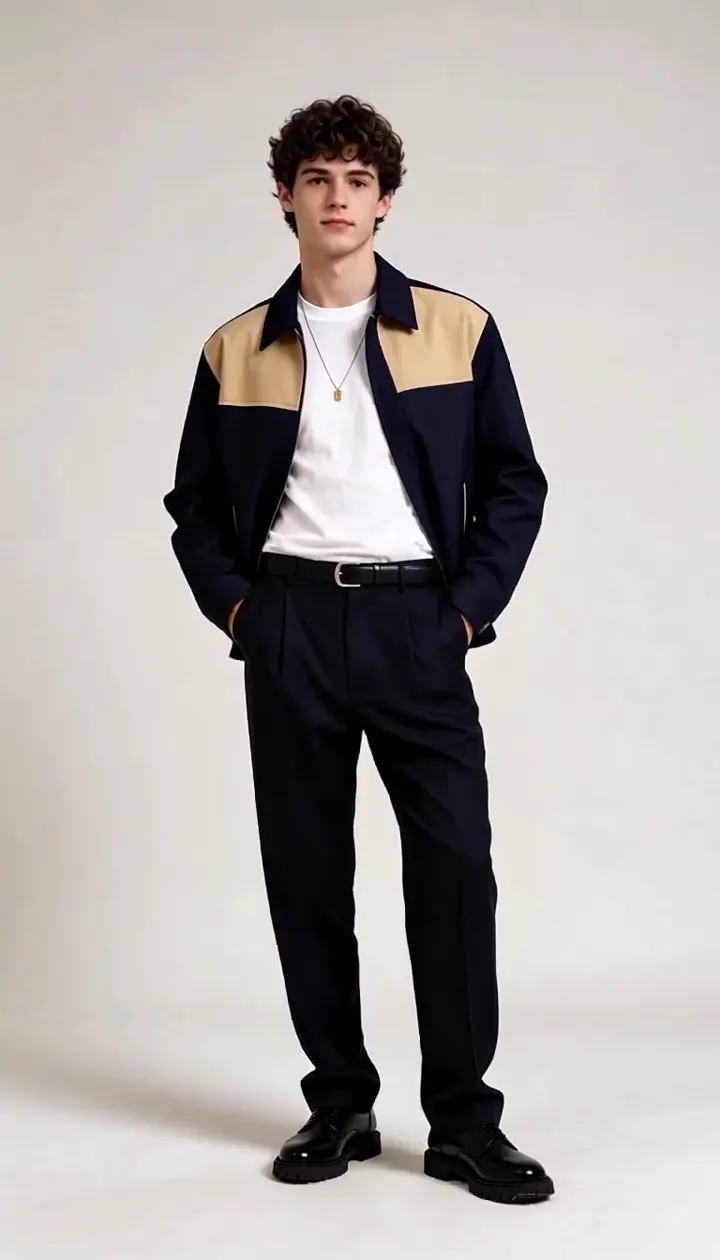
Flash Fashion AI video sample
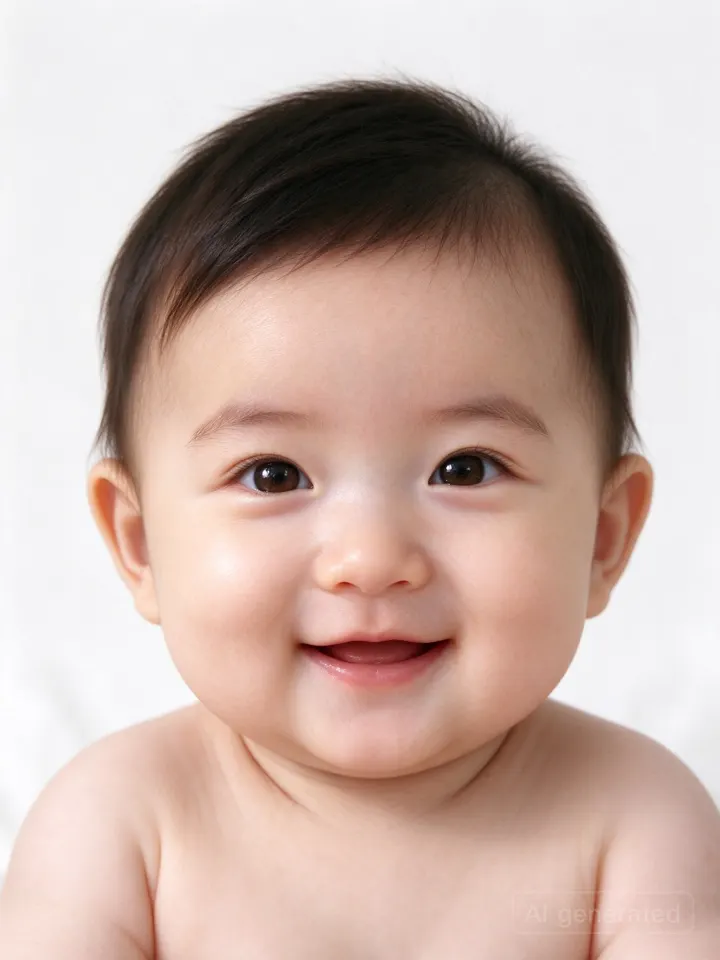
AI Baby Generator sample
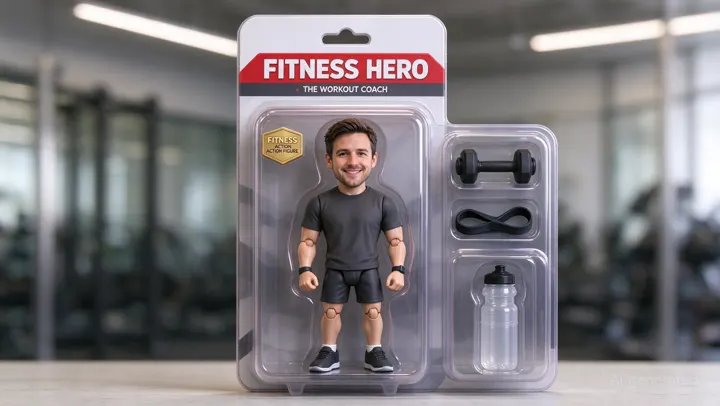
AI Action Figure generator sample
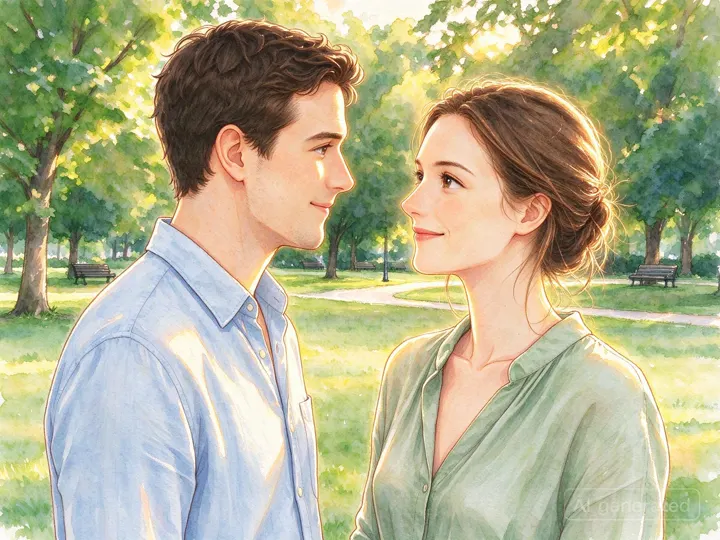
Ghibli Style AI filter sample
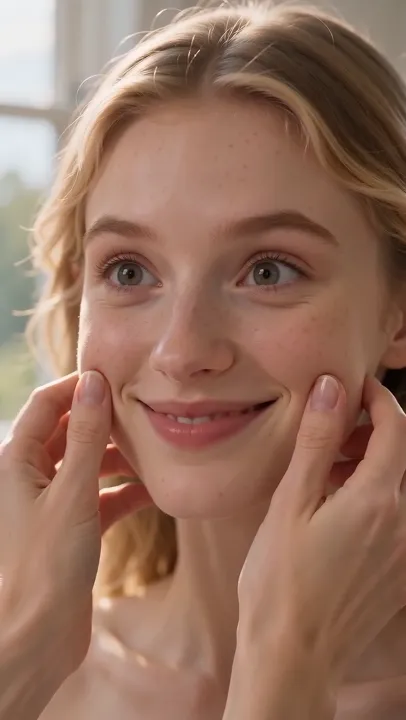
Cheek Pinch AI effect sample
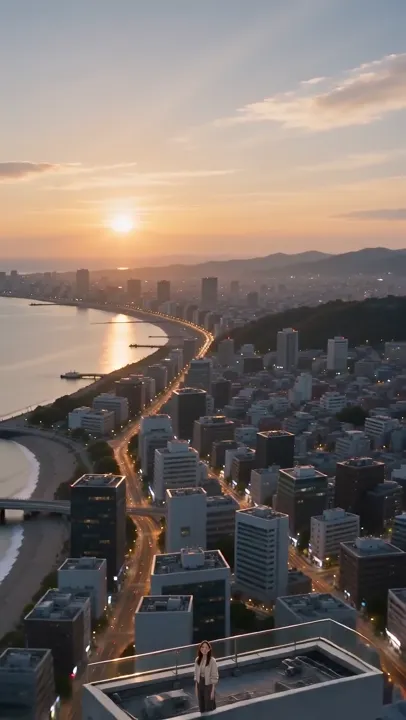
Earth Zoom Out video sample
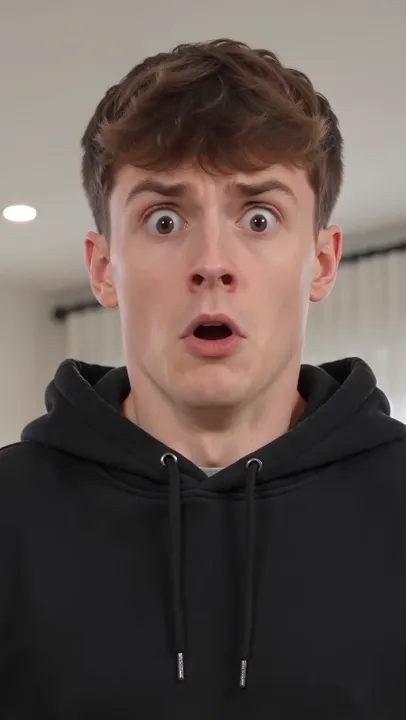
AI Inflate effect video sample
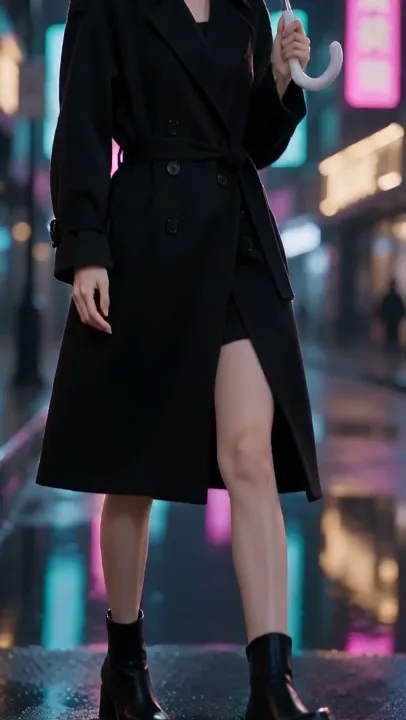
Image to video AI sample
Try the latest AI video effects
AI Trend Studio is an AI video generator built around trending effects such as AI Kiss, AI Hug, AI Muscle, AI Baby Generator, AI Dance, Flash Fashion, AI Action Figure, and Ghibli Style. Every effect page starts from a prepared prompt that runs on the studio's video and image models: open one, add a photo or a short description, and refine the result in chat.
- AI Kiss Video GeneratorHOT
- AI Hug Video GeneratorHOT
- AI Muscle Effect VideoHOT
- AI Baby GeneratorHOT
- AI Dance Video GeneratorHOT
- Cheek Pinch AI EffectNEW
- Flash Fashion AI VideoHOT
- AI Action Figure GeneratorHOT
- Ghibli Style AI FilterHOT
- AI Figurine GeneratorNEW
- AI Polaroid Photo GeneratorNEW
- AI Anime FilterNEW
- Earth Zoom Out Video EffectNEW
- AI Inflate Effect VideoNEW
How to make an AI video by chatting
- 1
Describe the shot or add a photo
Write what should happen — subject, action, camera move, mood — or attach a photo to use as the opening frame. Audio and video references work too.
- 2
Pick a model and length
Choose MiniMax H3 or Seedance 2.5, the length, resolution and aspect ratio, or keep the defaults. The price shows before you send.
- 3
Watch, download or keep refining
The clip renders in a few minutes and plays in the chat. Download it, or reply to adjust the next take.
Pricing
Get every model in AI Trend Studio and turn ideas into clips fast. Buy credits as you go, or subscribe and cancel anytime. Applicable taxes are calculated at checkout.
Starter
Perfect for getting started with AI video.
- 960 credits ≈ 64 clips a year
- All models: MiniMax H3 and Seedance 2.5 for video, GPT Image and Nano Banana for stills
- HD clips up to 4K and up to 30 seconds
- Commercial license, no-watermark stills
Standard
Ideal for content creators and small teams.
- 2,400 credits ≈ 160 clips a year
- All models: MiniMax H3 and Seedance 2.5 for video, GPT Image and Nano Banana for stills
- HD clips up to 4K and up to 30 seconds
- Commercial license, no-watermark stills
Premium
For professionals and businesses with high-volume needs.
- 6,000 credits ≈ 400 clips a year
- All models: MiniMax H3 and Seedance 2.5 for video, GPT Image and Nano Banana for stills
- HD clips up to 4K and up to 30 seconds
- Commercial license, no-watermark stills
Clips are priced per second: a 5-second MiniMax H3 clip costs 15 credits at 2K (12 at 768P, 23 at 4K), and Seedance 2.5 costs 25 credits at 720p (19 at 480p). Longer clips cost proportionally more. A still costs 1–7 credits depending on the model and resolution. The exact price shows in the composer before you send, and failed or stopped renders are refunded.
AI video generator FAQ
An AI video studio you talk to. Describe a shot or upload a photo; an agent writes the prompt, chooses text-to-video or image-to-video and renders the clip. It also makes and edits stills, for example an opening frame to animate.
Type what should happen, optionally attach a photo, audio or video reference, and send. The clip appears in the chat when it is done, usually within a few minutes.
Every generation uses credits, and a daily check-in adds more. Accounts that have not bought a credit pack or plan render clips at each model's lowest resolution and up to 5 seconds, and stills carry a small watermark. Any credit pack or plan unlocks higher resolutions, longer clips and downloads with no watermark. Prices are on the pricing page.
MiniMax H3 and Seedance 2.5 for video; GPT Image 2 and 2.5 and Nano Banana for stills. Choose the model for each request or keep the default.
Yes. Attach a photo and say how it should move: the photo becomes the opening frame, and your prompt describes what happens next.
MiniMax H3 renders 5 to 15 seconds and Seedance 2.5 4 to 30 seconds. The price scales with length and resolution, and you see it before you send.
Press Stop. The render is canceled and its credits come back. A render that fails is refunded automatically too.
Yes, once you have bought credits or a plan: your clips and stills come with a commercial license, and stills download without the watermark.
JPG, PNG or WebP images, MP3, M4A, WAV or OGG audio, and MP4, MOV or WebM video, up to 50 MB per file.
Trending effects are prepared prompts for popular short-video and photo formats, such as AI Kiss, AI Hug, AI Muscle, AI Baby Generator, AI Dance, Flash Fashion, AI Action Figure, and Ghibli Style. Each one opens the studio with a starter prompt on the same AI video generator and image models as everything else, so you can add your photo, edit the prompt and chat to adjust the result. The trending label is picked by our editors, not measured from usage.