
AI image effectHOTNEW
AI Christmas Photo: Turn Your Photo into a Festive Holiday Picture
Dress a family photo, a selfie or your pet for the holidays: matching sweaters, a decorated tree, a glowing fireplace or a snowy street. Upload a picture or describe one, and the studio generates the Christmas version.
Type a prompt or upload a photo. We'll take it to the studio.
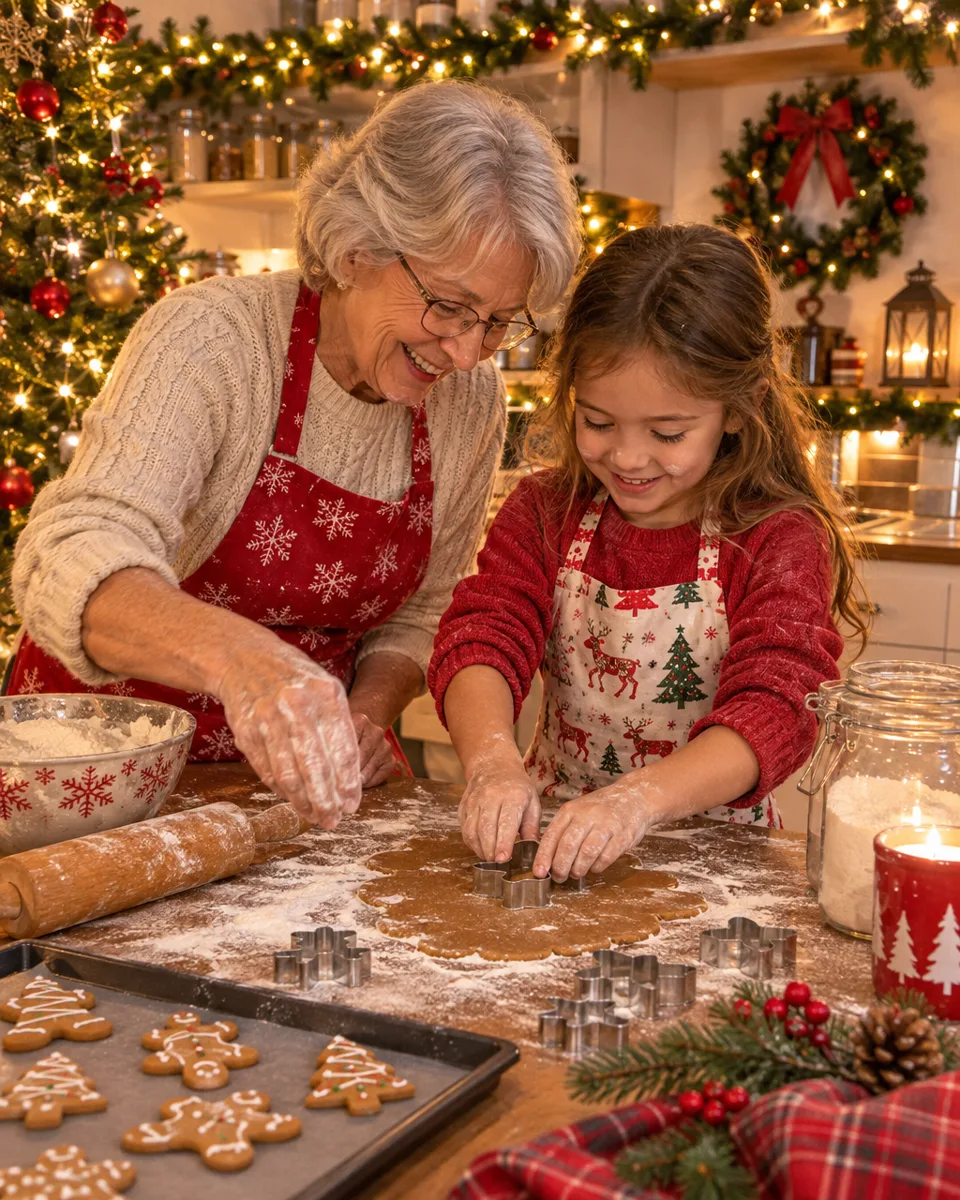
People shown are AI-generated and fictional. Samples were made with AI Trend Studio.
- You bring
- A photo or a text prompt
- You get
- A still image at 1K, 2K or 4K
- Runs on
- 4 image models, GPT Image 2.6 Flare by default
- Price
- From 1 credit an image, shown before you send
AI Christmas Photo examples
People shown are AI-generated and fictional. Samples were made with AI Trend Studio.
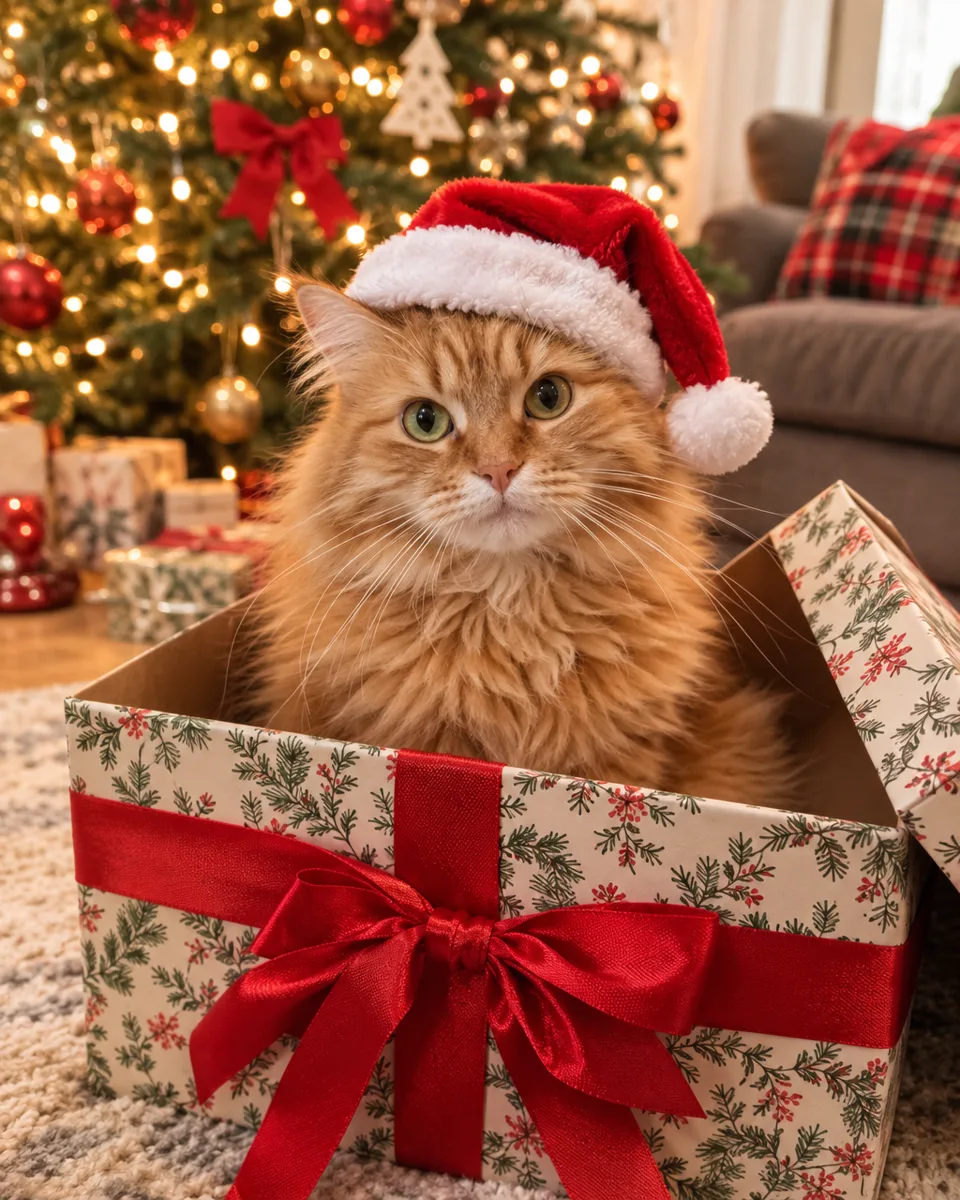
AI Christmas photo: ginger cat in a Santa hat sitting in a gift box (AI-generated)
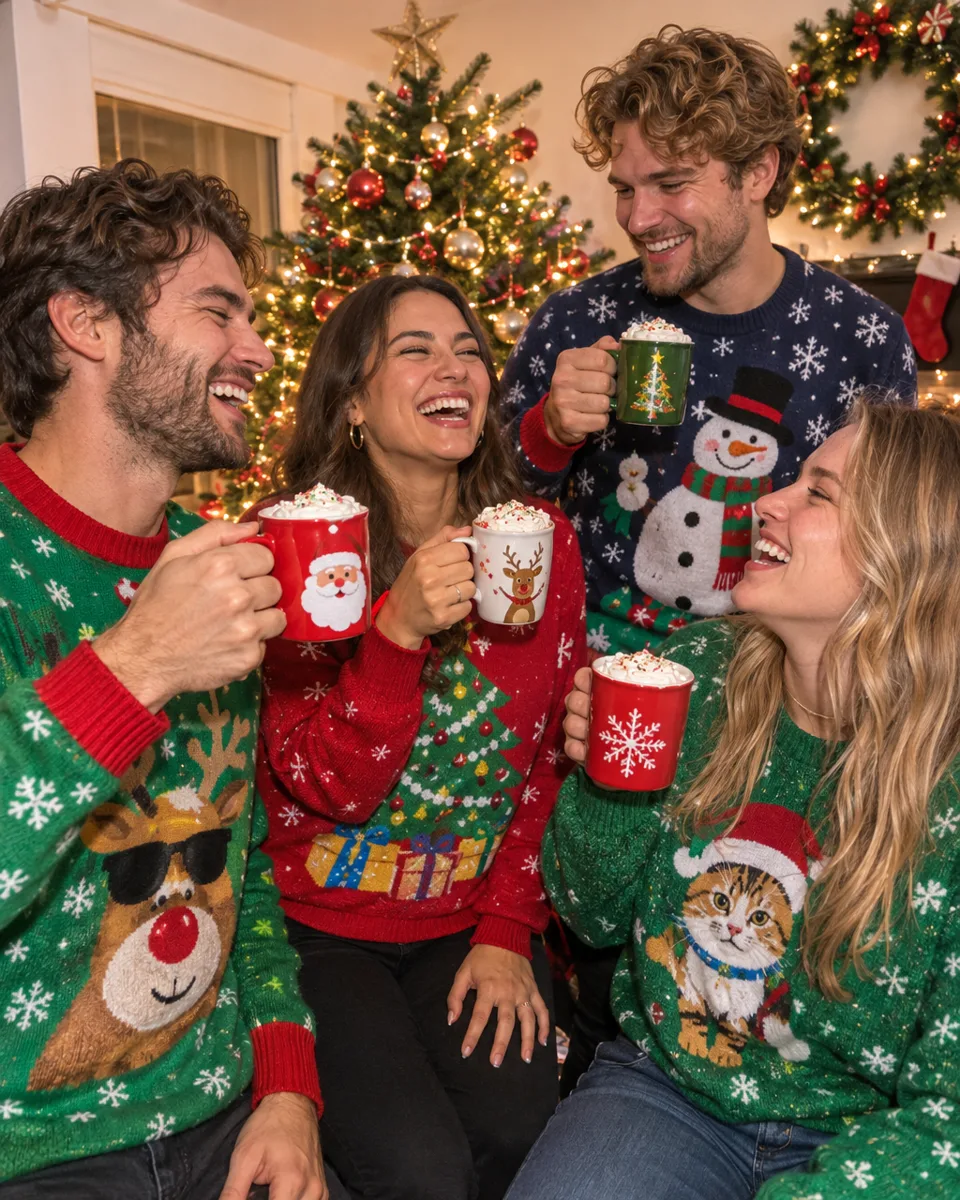
AI Christmas photo: friends in Christmas sweaters toasting with hot cocoa by a tree (AI-generated, fictional people)
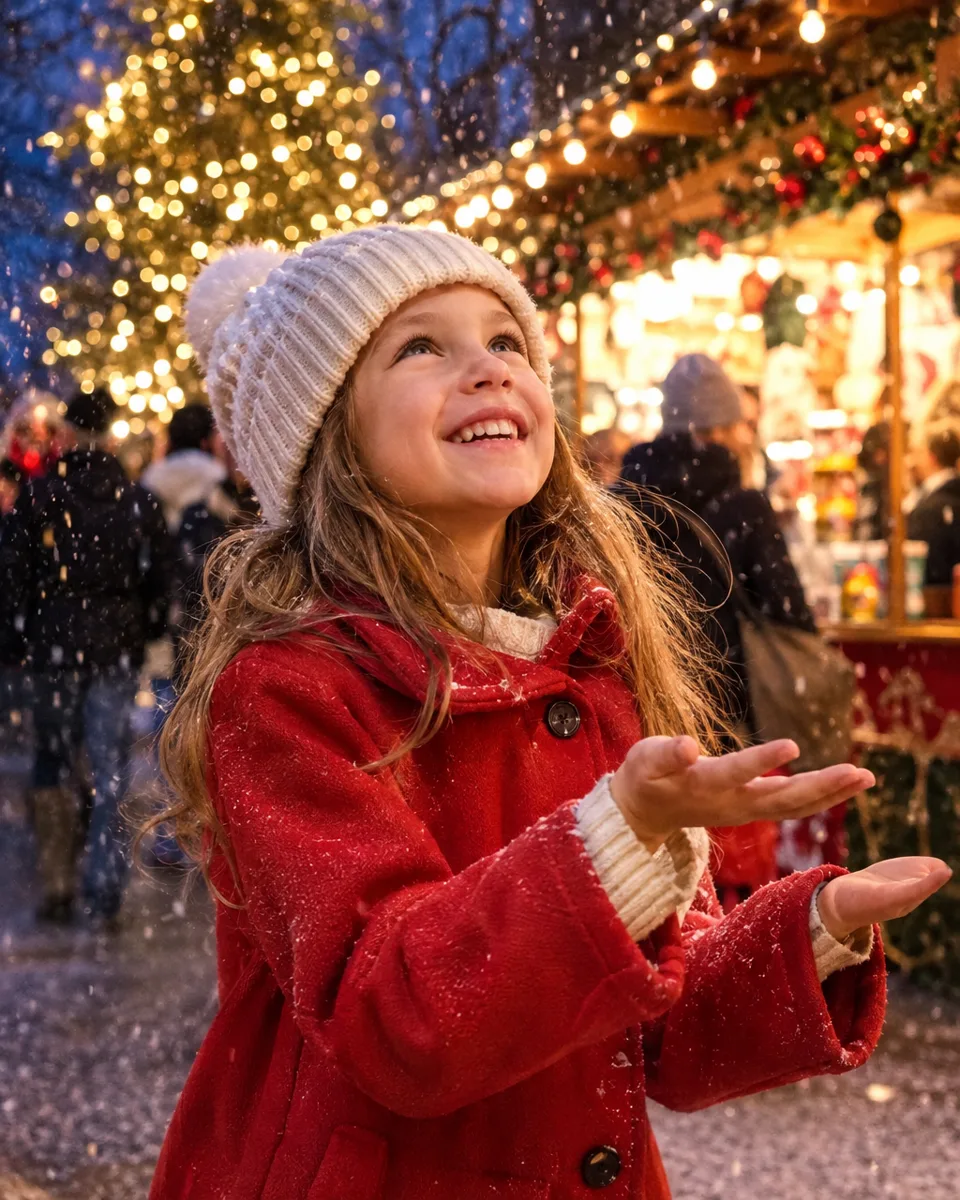
AI Christmas photo: girl in a red coat catching snowflakes at a Christmas market (AI-generated, fictional people)
Real AI Christmas Photo cases with prompts
Each case was made in AI Trend Studio with the prompt shown. Use a prompt as your starting point: results vary from one render to the next.
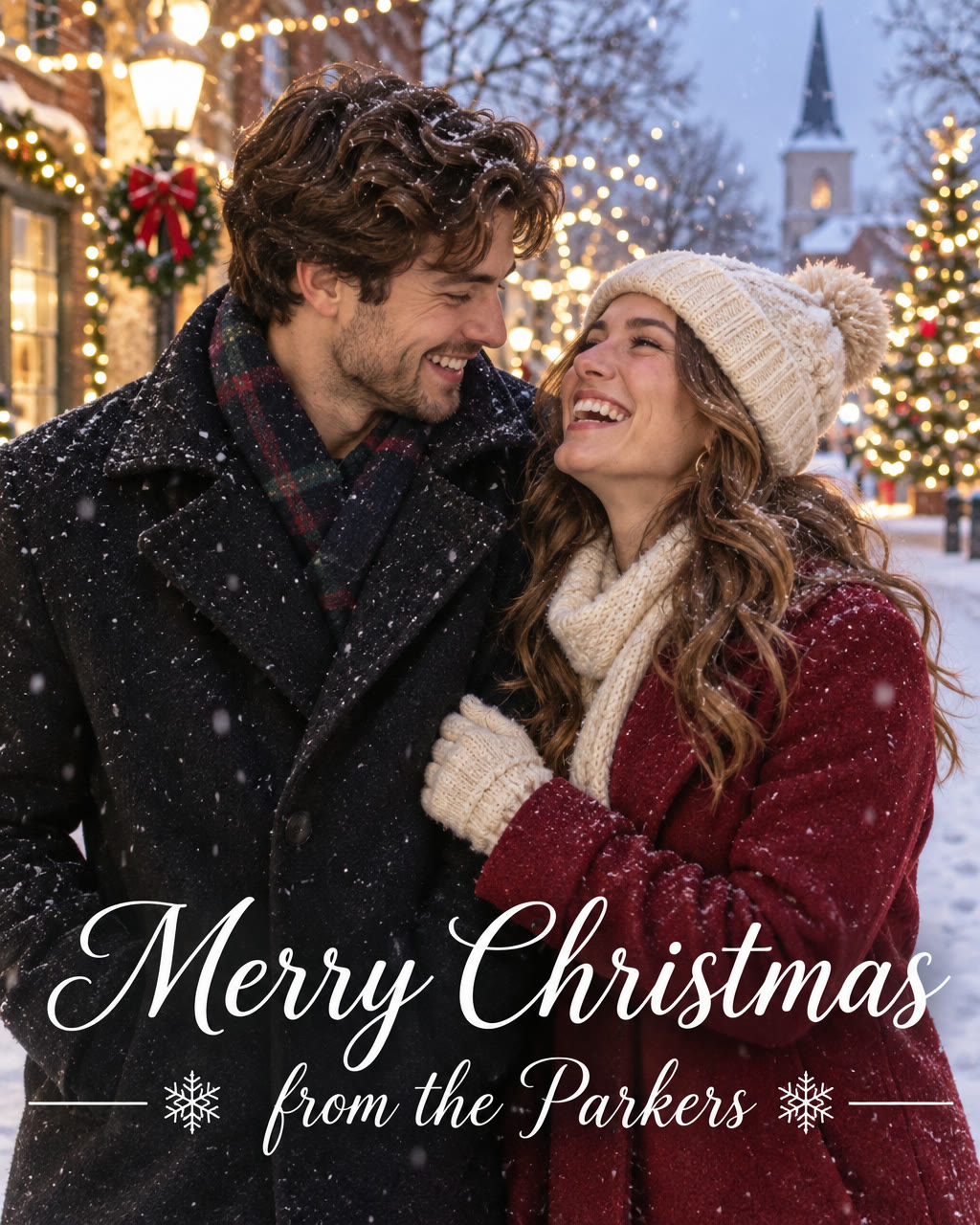
Result Christmas card photo with a custom greeting
Prompt
A Christmas card photo: a young couple in cozy winter coats laughing in a snowy street lined with Christmas lights at dusk, soft falling snow, photorealistic, with elegant white lettering at the bottom that reads "Merry Christmas from the Parkers".
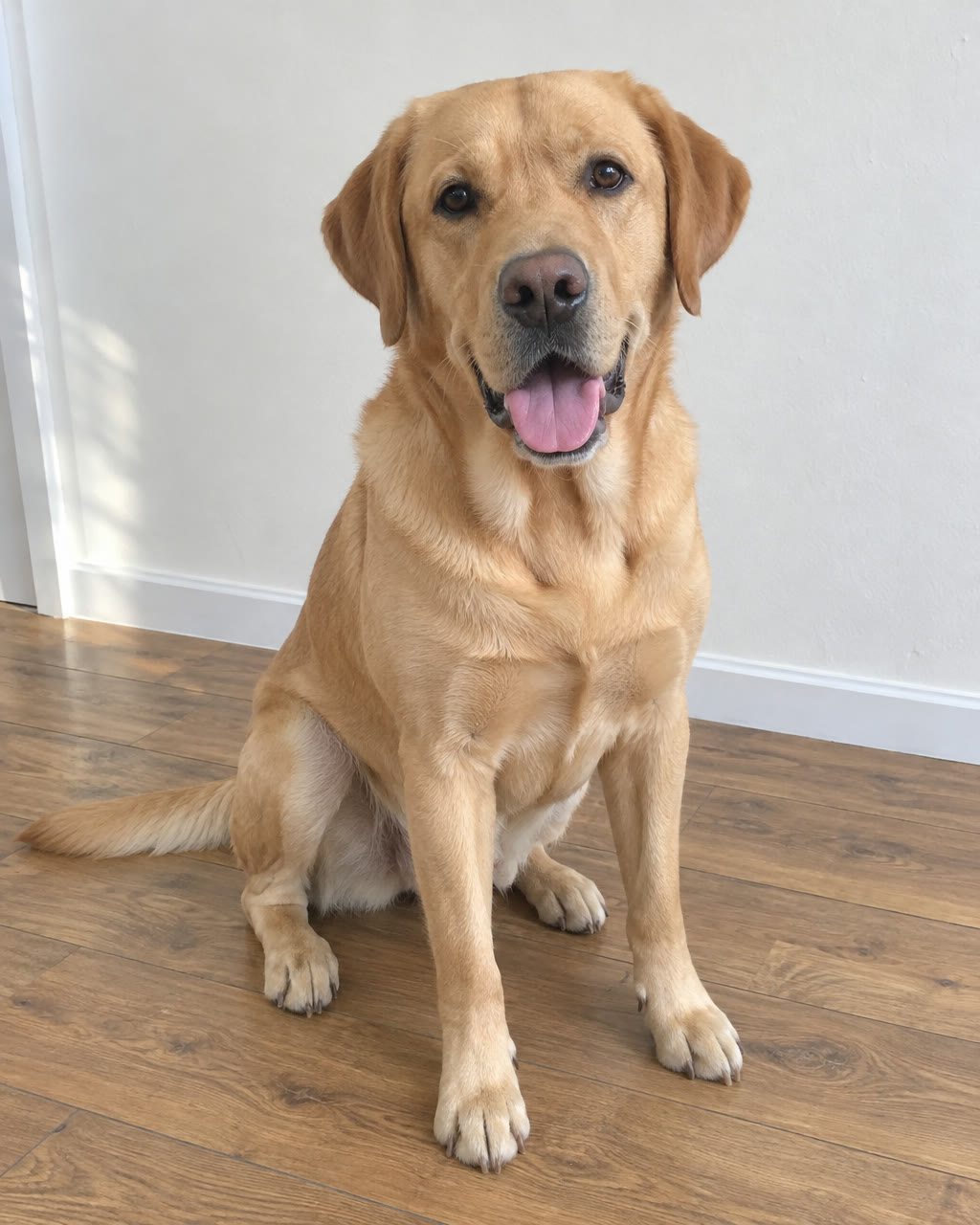
Original 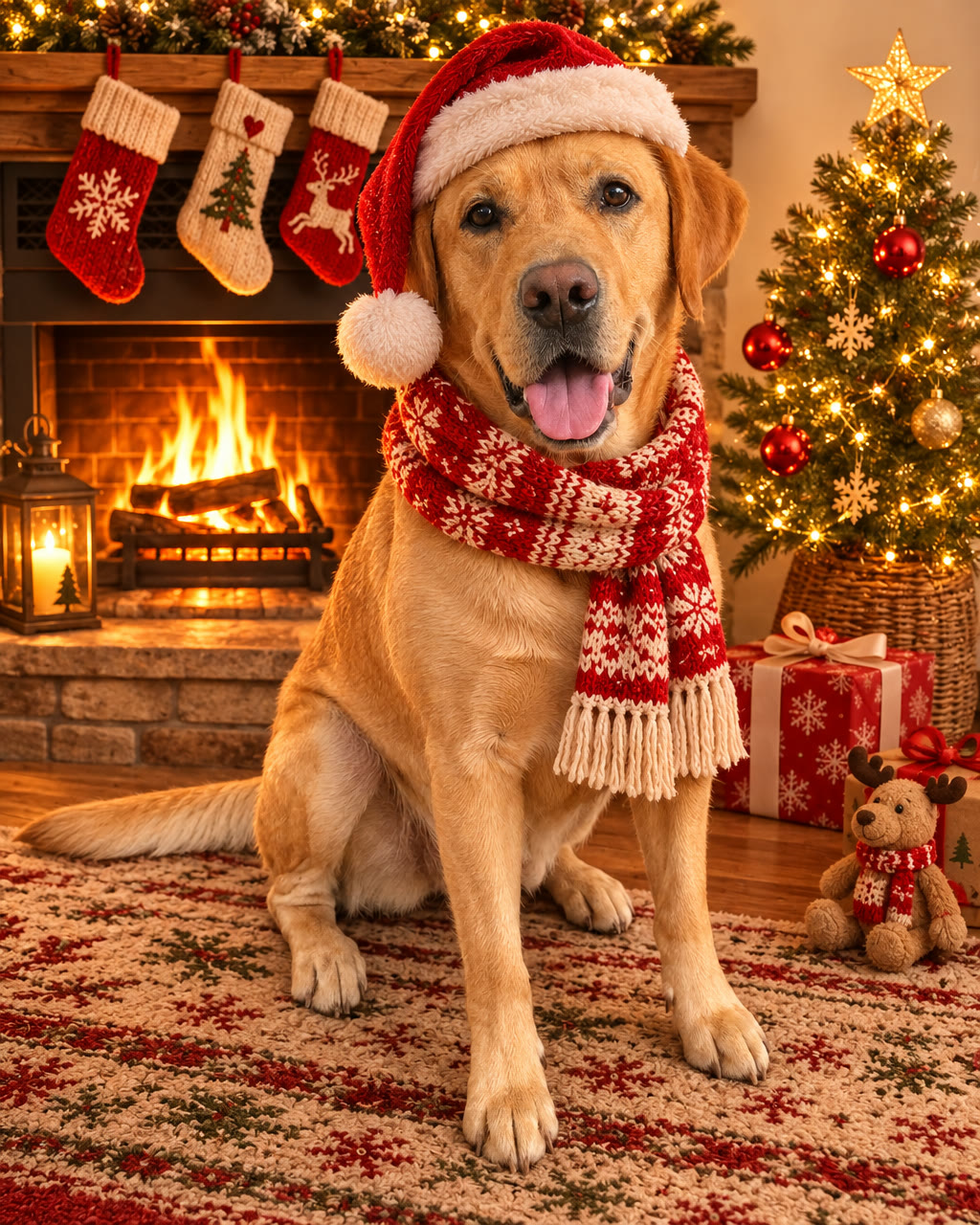
Result Dog photo with a Santa hat by the fireplace
Prompt
Make this a Christmas photo of the dog: add a red Santa hat and a knitted scarf, place it by a lit fireplace with stockings hanging on the mantel and a small decorated tree, warm glowing light. Keep the dog's face, fur colour and pose the same.
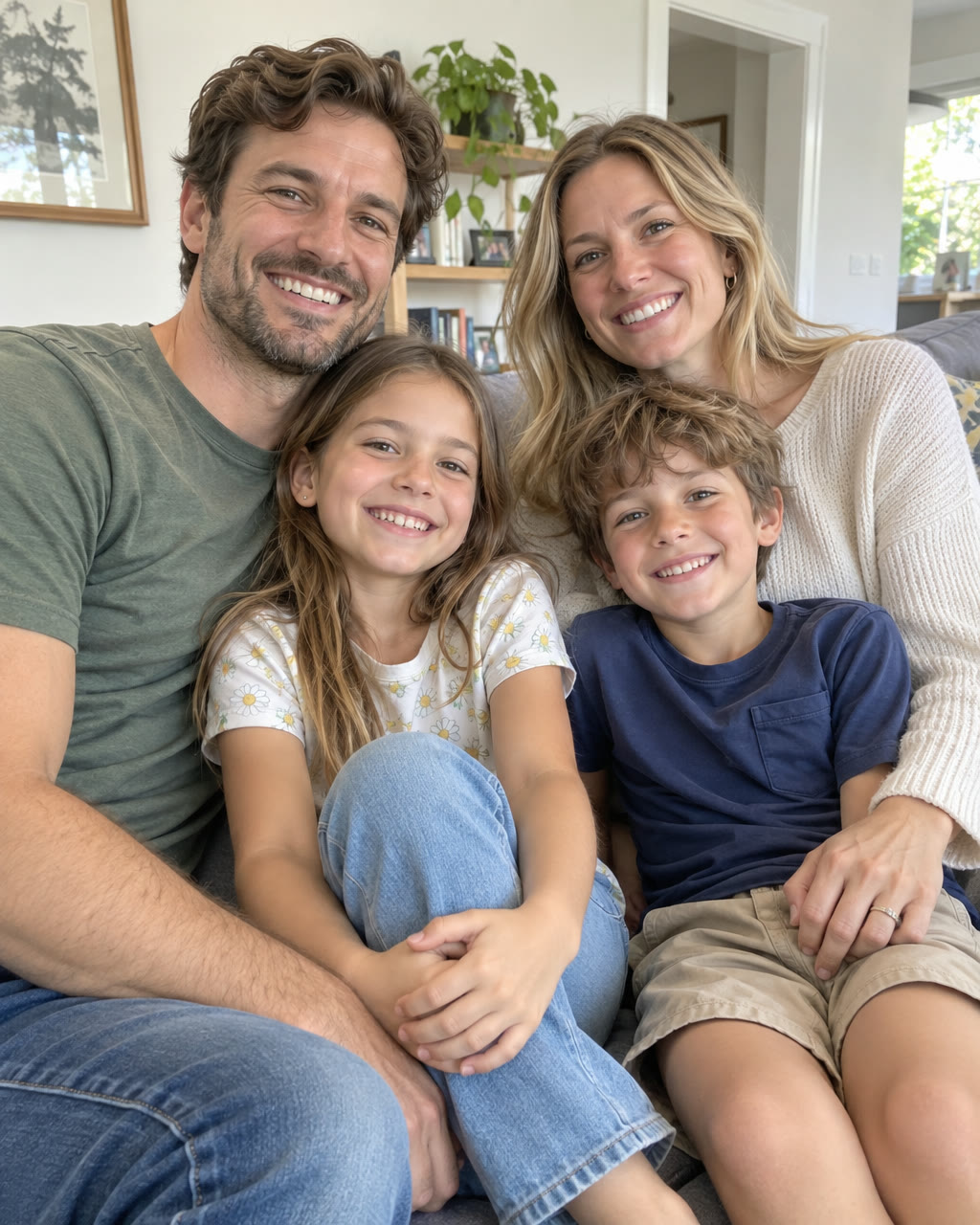
Original 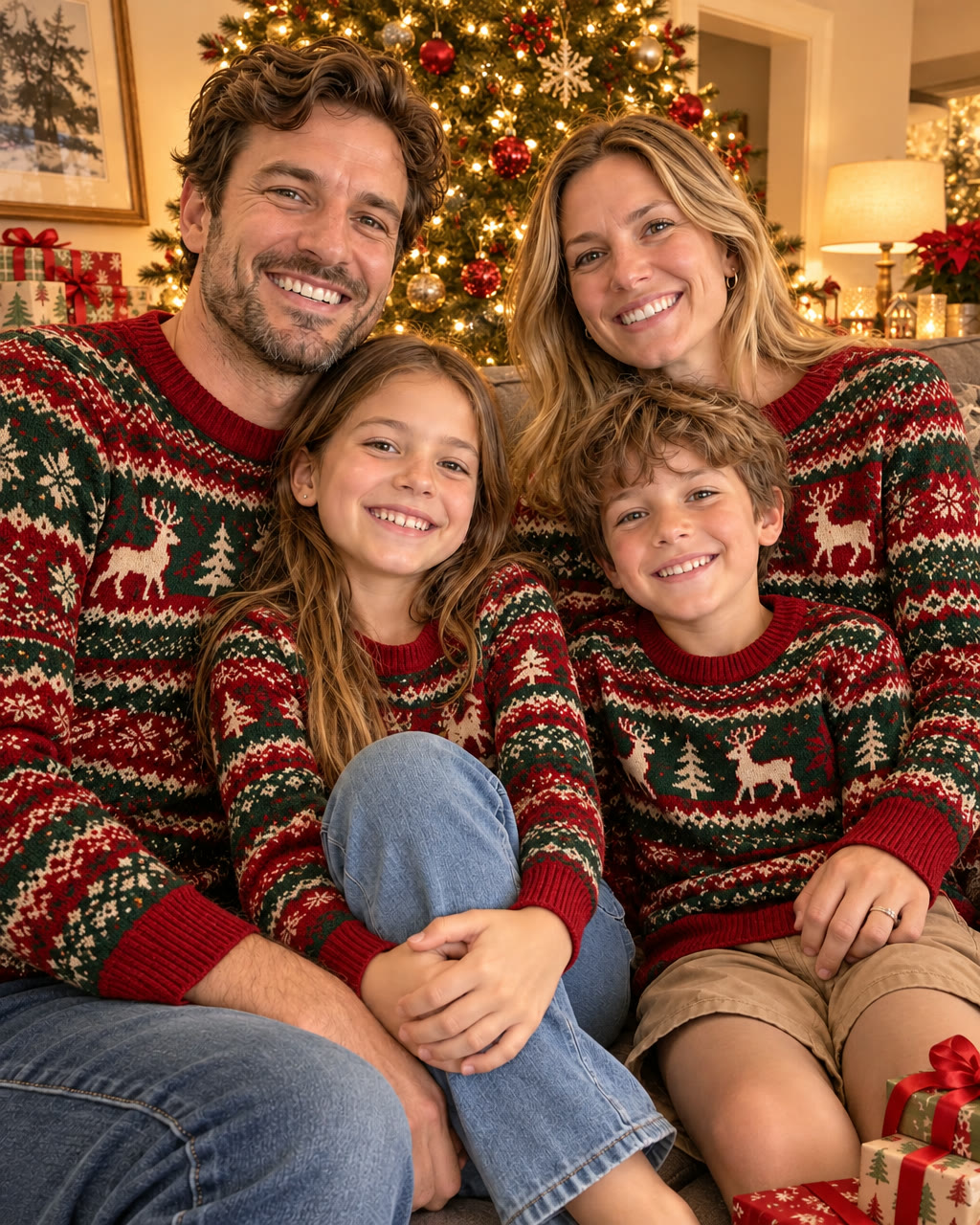
Result Family photo turned into a Christmas portrait
Prompt
Turn this into a Christmas family photo: everyone wears matching red and green knit Christmas sweaters, a decorated Christmas tree with warm fairy lights behind them, wrapped presents on the floor, cozy evening light. Keep every face, pose and the sofa the same.
Try AI Christmas Photo now
Start from a ready-made prompt and see the price before you send. You sign in before your first render.
Why use this AI Christmas Photo
AI Christmas photo from a family picture or selfie
Keep the people and their poses, and change the outfits, the room and the light to a holiday scene.
Christmas card photo with your own greeting
Put the greeting in quotes, for example "Merry Christmas from the Parkers", and it is lettered onto the picture. Check the spelling before you print.
Holiday portraits for pets, couples and groups
A dog in a Santa hat by the fireplace, a couple in a snowy street, friends in ugly sweaters: describe the scene you want.
What you can make with AI Christmas Photo
Christmas cards
Turn this year’s family photo into a card picture with a greeting, ready to print or send.
Pet holiday portraits
Give your dog or cat a Santa hat, a scarf and a fireplace without a costume or a photo shoot.
Social posts and profile pictures
A festive version of your selfie or group photo for December posts and avatars.
How to make an AI Christmas photo
Step 1
Add a photo or describe the scene
Upload a clear photo where every face is visible, such as a family shot, a selfie or your pet, or describe the scene in words. Put any greeting in quotes.
Step 2
Edit the starter prompt
The prompt box starts with a ready-made AI Christmas Photo prompt. Change the subject, setting or mood in plain words; the agent turns it into a detailed prompt.
Step 3
Pick model and resolution
Choose an image model and a resolution (1K, 2K or 4K) in the composer. The credit price shows before you send.
Step 4
Generate, refine and download
Send it (you will be asked to sign in first if you are not). Ask for changes in the same chat, such as a different mood or pacing, then download the version you like.
Try AI Christmas Photo now
Before a first plan or credit pack, images carry a small watermark; buying either removes it.
AI Christmas Photo: limitations and tips
Faces can change slightly, especially in large groups. Ask to keep every face the same and generate a few versions.
Lettering can be misspelt. Keep greetings short and check every word before printing.
The result is a flat image, not a layered file or a 3D model.
Lettering, logos and small text can come out misspelt. Put exact words in quotes and check them before you publish.
Likeness is approximate: models keep broad features such as hair, clothing and face shape, but fine details can change, more so in stylised looks.
AI Christmas Photo: frequently asked questions
What is AI Christmas Photo?
The AI Christmas Photo effect is an image effect that restyles a photo, or generates a new one, as a festive holiday picture.
How do I make an AI Christmas photo?
Open AI Christmas Photo on AI Trend Studio, upload a photo or describe the scene in the prompt box and send it. An AI agent writes a detailed prompt from yours and renders an image at 1K, 2K or 4K; ask for changes in the same chat and download the version you like.
Can I put my dog or cat in a Christmas photo?
Yes. Upload a sharp photo of your pet and ask for a Santa hat, a scarf or a fireplace scene. Ask to keep the face and fur colour the same; markings can shift slightly.
Can I turn my Christmas photo into a video?
Yes. Once you have the picture, ask for a clip in the same chat: it becomes the opening frame and the prompt sets the motion, such as falling snow or twinkling lights. Clips run 3 to 30 seconds, depending on the model.
Can I make a Christmas card from my family photo?
Yes. Upload the photo and ask for a holiday scene with your greeting in quotes. The picture comes back with the greeting lettered on it; download it at 2K or 4K for printing.
Do I need to upload a photo for AI Christmas Photo?
No, a photo is optional. Upload one to keep a specific subject, or describe the scene in words and AI Trend Studio generates it from the text.
How much does AI Christmas Photo cost?
A AI Christmas Photo image costs 1–7 credits depending on the model and resolution, 1 credit on the default GPT Image 2.6 Flare at 1K. Plans start at $9.90 a month for 80 credits and credit packs at $9.90 for 50 credits; the price shows before you send.
Which AI models does AI Christmas Photo use?
AI Christmas Photo on AI Trend Studio runs on Nano Banana Pro, Nano Banana 2.1, GPT Image 2.6 Flare, and GPT Image 2.6 Sunburst. Keep the default or pick a model per request; the composer shows each one's price before you send.
Related tools and effects
- AI Polaroid GeneratorNEWMake an instant-film photo with AI
- AI Photo EditorEdit a photo with AI
- Photo to Video AITurn a photo into a video
- AI Kiss Video GeneratorHOTMake an AI kiss video
- AI Hug Video GeneratorHOTMake an AI hug video
- AI Muscle EffectHOTMake an AI muscle video
- AI Baby GeneratorHOTImagine a baby from two photos
- AI Dance Video GeneratorHOTMake a photo dance with AI
Ready to try AI Christmas Photo?
Open the studio with a starter prompt, edit it and generate.
- Price shown before you send
- Failed renders are refunded
- Refine the result in chat