
Flash Fashion AI Video
Show a whole wardrobe in a few seconds: the person in your photo snaps through different outfits in one short clip. The studio generates it from a prepared prompt where you choose the looks.
输入提示词或上传照片,我们会带你进入工作室。
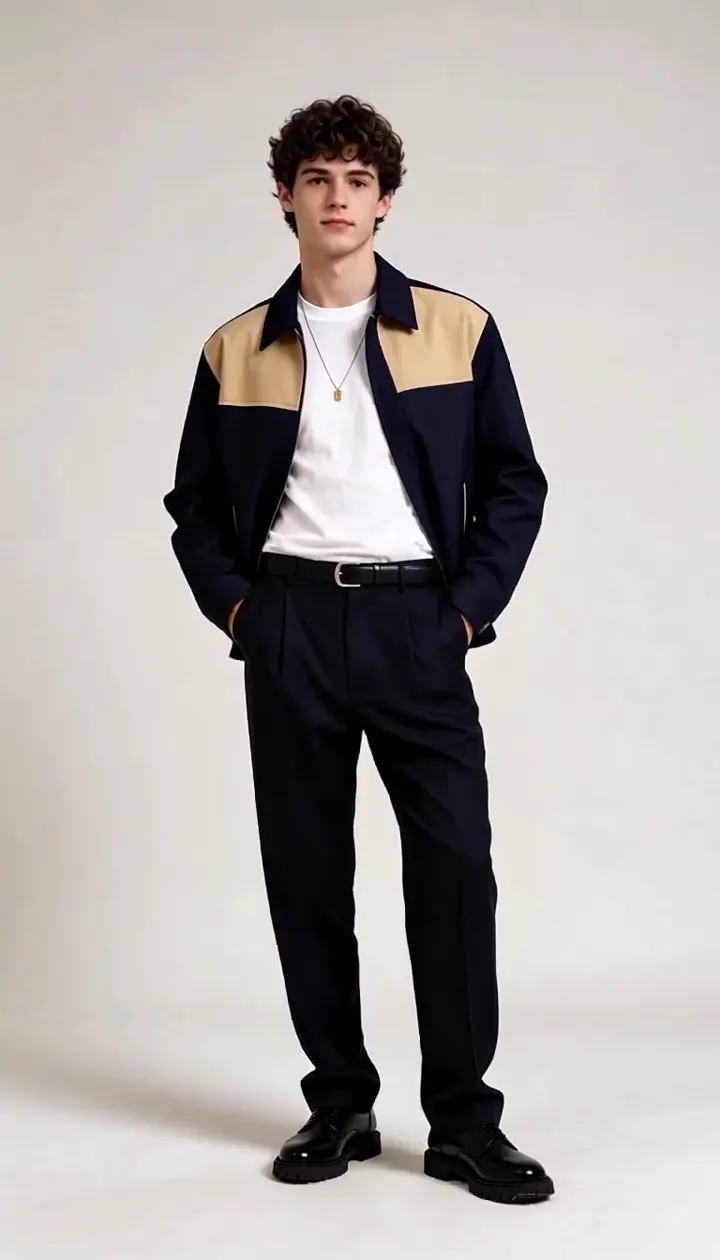
Flash Fashion sample made with AI Trend Studio
画面中的人物均为 AI 生成的虚构人物,样例由 AI Trend Studio 生成。
Flash fashion outfit changes from one photo
Upload a full-body photo and list the looks in order. Naming each outfit helps the model keep them distinct.
An outfit change video for lookbooks and trends
Useful for fashion creators or for quick style ideas. Outfits are generated, not real products.
AI outfit changer, in motion
If you want still images instead, the AI photo editor can restyle one outfit at a time.
如何使用Flash Fashion
第 1 步
Add your input
Upload a clear photo with the upload button. A sharp picture with the subject in view gives the best starting point.
第 2 步
Generate Flash Fashion
Send the prompt. The studio opens in video mode, writes a fuller prompt from yours and renders the result. You will be asked to sign in or sign up first if you are not signed in.
第 3 步
Refine and download
Ask for changes in the same chat, such as a different mood or pacing, then download the version you like.
Flash Fashion示例
画面中的人物均为 AI 生成的虚构人物,样例由 AI Trend Studio 生成。
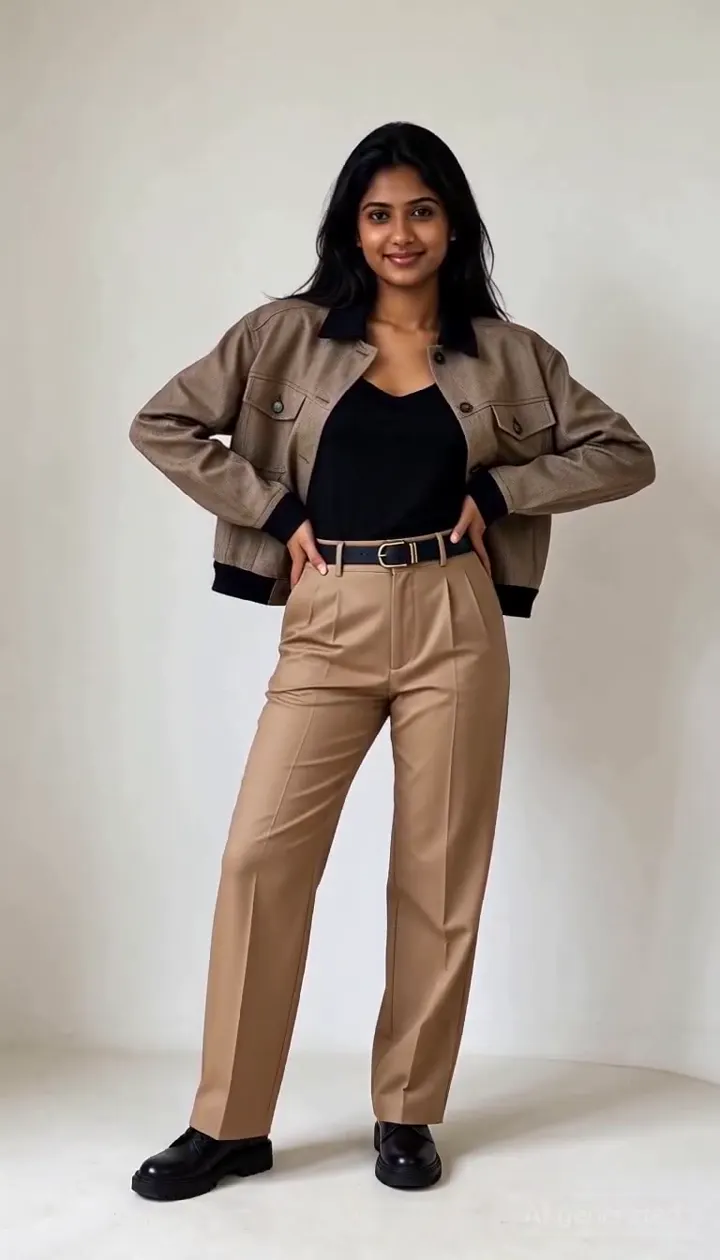
Flash fashion AI video sample 2 (AI-generated fictional people)
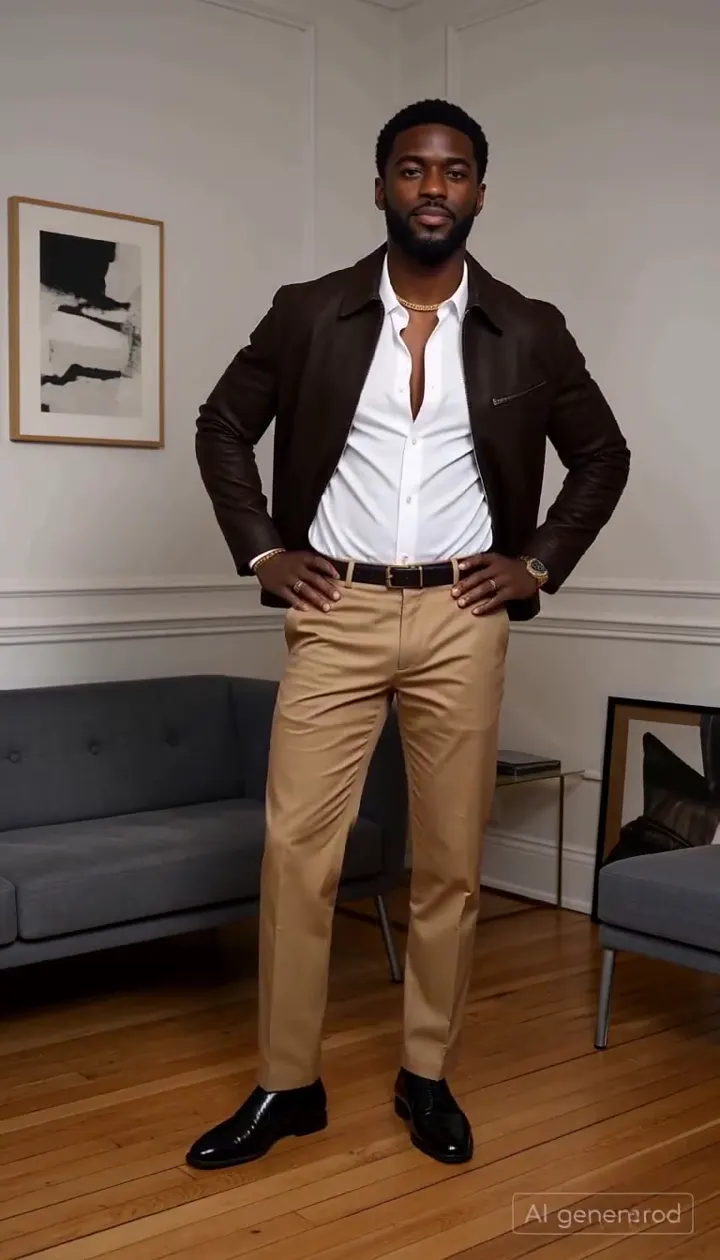
Flash fashion AI video sample 3 (AI-generated fictional people)
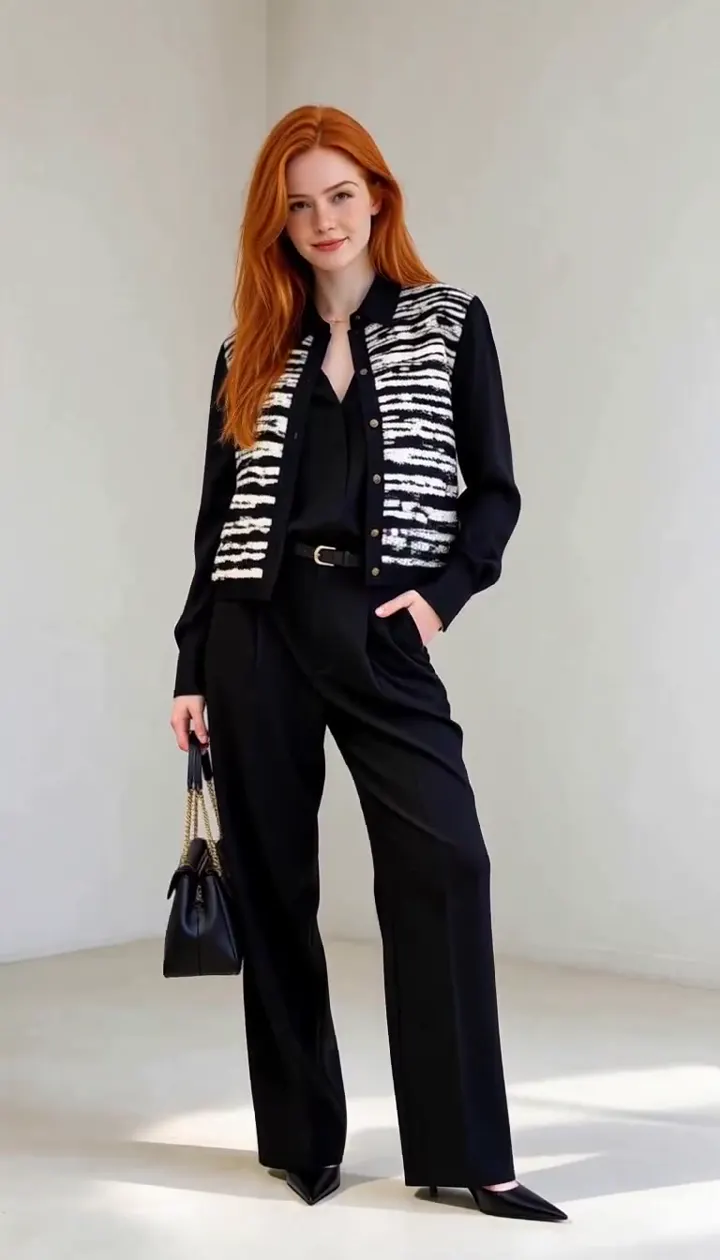
Flash fashion AI video sample 4 (AI-generated fictional people)
Flash Fashion常见问题
What is Flash Fashion?
Flash Fashion is an AI video effect where a person changes outfits rapidly in a single short clip, generated from a photo and prompt.
How do I use Flash Fashion?
Open Flash Fashion on AI Trend Studio, upload a photo or describe the scene in the prompt box and send it. An AI agent writes a detailed prompt from yours and renders a 4–30 second video clip, usually within a few minutes; ask for changes in the same chat and download the version you like.
Do I need to upload a photo for Flash Fashion?
A photo gives the best result: Flash Fashion uses it so your subject stays recognisable. You can also describe the scene in words and let AI Trend Studio generate it.
How much does Flash Fashion cost?
Flash Fashion on AI Trend Studio is paid in credits: a video costs from 8 credits (a 4-second Seedance 2.0 Mini clip at 480p), typically 9 credits for a 5-second MiniMax H3 clip at 768P. Plans start at $9.90 a month for 80 credits, credit packs at $9.90 for 50 credits. The exact price shows before you send, and failed or stopped renders are refunded.
Is Flash Fashion free?
You can try it free: the daily check-in on AI Trend Studio gives up to 10 credits a week, enough for a short clip. Until you buy a plan or a credit pack, videos render at the model's lowest resolution and up to 5 seconds (Muse: 10 seconds, its shortest length).
Are the outfits real clothes I can buy?
No. The outfits are generated from your description and are not linked to real products.
Which AI models does Flash Fashion use?
Flash Fashion on AI Trend Studio runs on MiniMax H3, Seedance 2.0 Mini, and Muse. Keep the default or pick a model per request; the composer shows each one's price before you send.