
AI video model
MiniMax H3 Max AI Video Generator
MiniMax H3 Max is the faster member of the MiniMax H3 family. It renders 5 to 15 second clips with sound at 480P, 768P or 1080P, from a prompt or from photos used as the first and last frame.
Type a prompt or upload a photo. We'll take it to the studio.
Real MiniMax H3 Max cases with prompts
Each case was made in AI Trend Studio with the prompt shown. Use a prompt as your starting point: results vary from one render to the next.
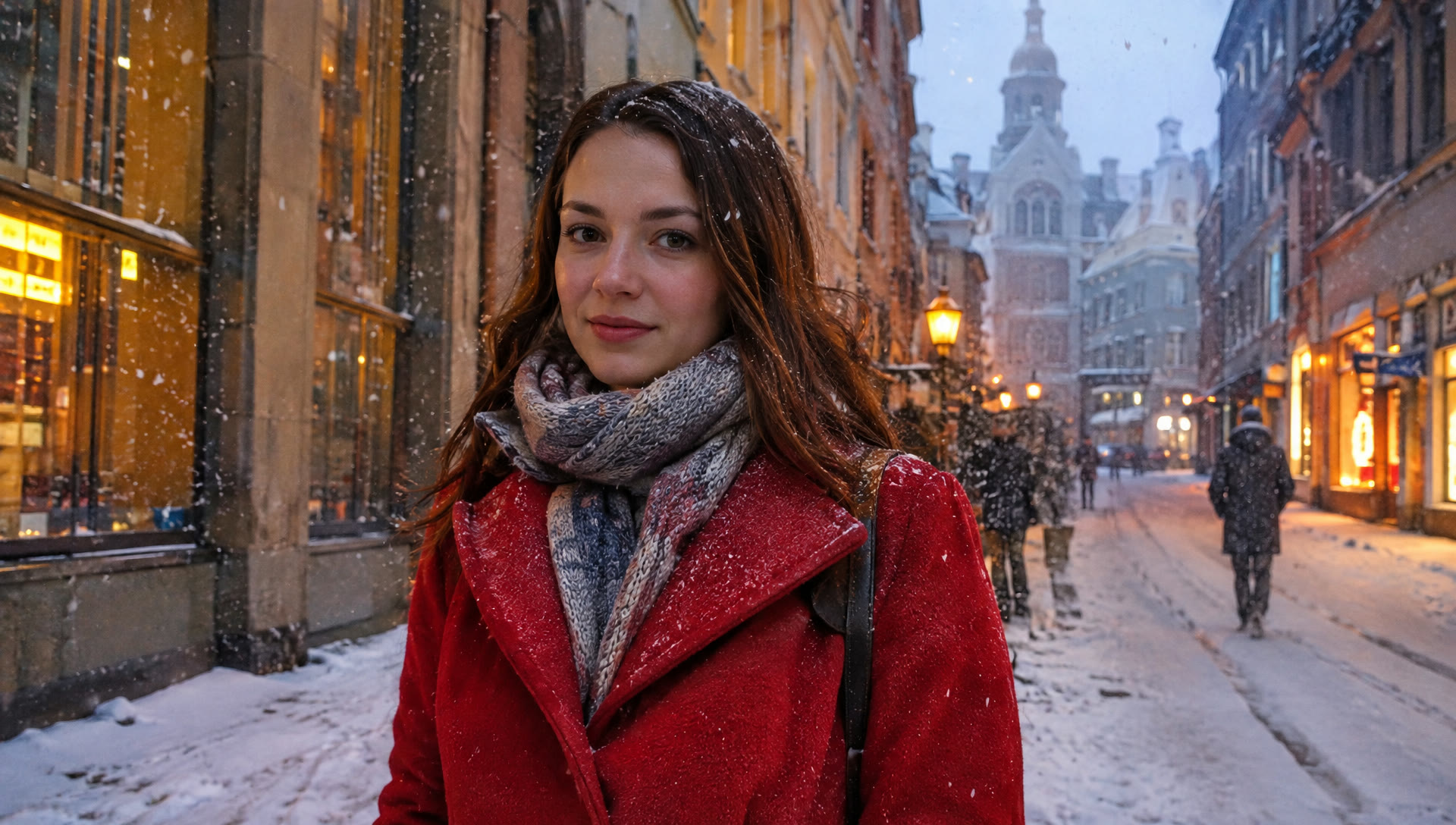
Original 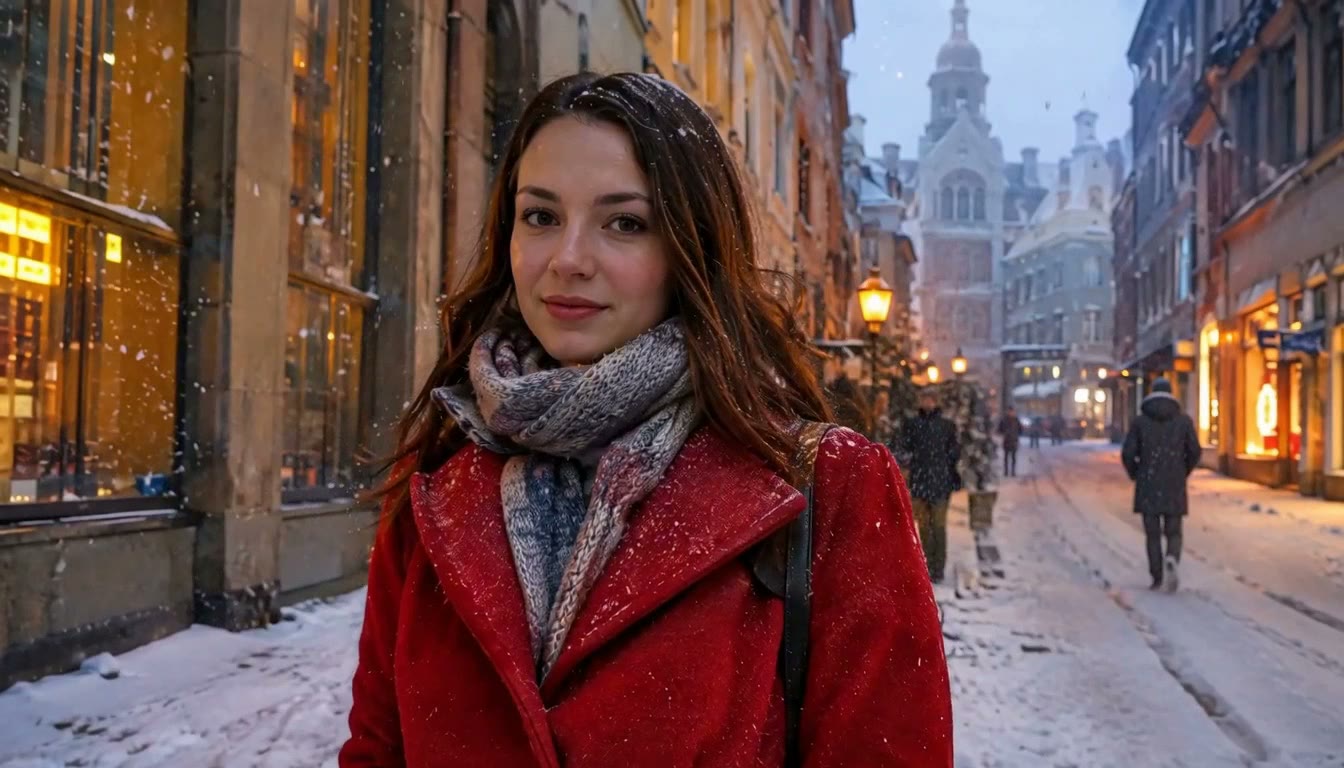
Result Woman in a red coat on a snowy street (MiniMax H3 Max)
Prompt
Snow keeps falling as the woman turns her head toward the camera and breaks into a smile, her breath visible in the cold air; the camera slowly pushes in, shop windows glow behind her.
Try MiniMax H3 Max now
Start from a ready-made prompt and see the price before you send. You sign in before your first render.
MiniMax H3 Max at a glance
- Type
- Text to video, image to video
- Length
- 5–15 seconds
- Resolution
- 480P, 768P, 1080P
- Input images
- Up to 2 (first and last frame)
- Audio
- Generated with the clip
- Price
- 480P: 9 credits per 5 s · 768P: 10 credits per 5 s · 1080P: 22 credits per 5 s
Prices are in credits and match what the composer charges. Failed or stopped renders are refunded.
Why use MiniMax H3 Max
MiniMax H3 Max from 480P drafts to 1080P
Try an idea at 480P for a few credits, then render the keeper at 768P or 1080P. The composer shows each price before you send.
First and last frame control
Attach one photo as the opening frame, or two to fix where the shot starts and ends, and the model fills in the motion between them.
Sound included
Clips come with an audio track generated with the picture, so ambience and action arrive together.
How to make a video with MiniMax H3 Max
Step 1
Add a photo or describe the scene
Upload a photo with the upload button, or skip it and describe the scene in words.
Step 2
Edit the starter prompt
The prompt box starts with a ready-made MiniMax H3 Max prompt. Change the subject, setting or mood in plain words; the agent turns it into a detailed prompt.
Step 3
Pick model, length and resolution
MiniMax H3 Max is preselected; choose a length and a resolution in the composer. The credit price updates before you send.
Step 4
Generate, refine and download
Send it (you will be asked to sign in first if you are not). Ask for changes in the same chat, such as a different mood or pacing, then download the version you like.
Try MiniMax H3 Max now
Before a first plan or credit pack, clips render at the model's lowest resolution and up to 5 seconds; buying either unlocks every resolution and length.
MiniMax H3 Max: limitations and tips
Each render is a single clip of 3 to 30 seconds, depending on the model (Muse is always 10 seconds).
Photos go in as frames, not as character references: the first photo is the opening frame, and on MiniMax H3, MiniMax H3 Max, Seedance 2.5, Seedance 2.0, Seedance 2.0 Fast, Seedance 2.0 Mini, and Kling V4 a second photo sets the closing frame. Kling V4 Flash, Gemini Omni 1.2 Flash, and Muse take one photo.
Hands, fast motion and on-screen text are where current video models slip most often. A simpler action or a second try usually helps.
MiniMax H3 Max: frequently asked questions
What is MiniMax H3 Max?
MiniMax H3 Max is a video generation model from MiniMax. In AI Trend Studio it makes 5 to 15 second clips with sound at 480P, 768P or 1080P from text or one or two photos.
How do I make a video with MiniMax H3 Max?
Open MiniMax H3 Max on AI Trend Studio, upload a photo or describe the scene in the prompt box and send it. An AI agent writes a detailed prompt from yours and renders a 5–15 second video clip, usually within a few minutes; ask for changes in the same chat and download the version you like.
Do I need to upload a photo for MiniMax H3 Max?
No, a photo is optional. Upload one to keep a specific subject, or describe the scene in words and AI Trend Studio generates it from the text.
How much does MiniMax H3 Max cost?
MiniMax H3 Max on AI Trend Studio costs 480P: 9 credits per 5 s, 768P: 10 credits per 5 s, 1080P: 22 credits per 5 s, paid in credits from a plan or a credit pack. The exact price shows before you send, and failed or stopped renders are refunded. Before a first plan or credit pack, clips render at the model's lowest resolution and up to 5 seconds; buying either unlocks every resolution and length.
Related tools and effects
- MiniMax H3Make a video with MiniMax H3
- Seedance 2.0 FastMake a video with Seedance 2.0 Fast
- Image to Video AITurn an image into a video with AI
- Text to Video AIMake a video from text with AI
- Seedance 2.5Make a video with Seedance 2.5
- Seedance 2.0Make a video with Seedance 2.0
- Seedance 2.0 MiniMake a video with Seedance 2.0 Mini
- Kling V4Make a video with Kling V4
Ready to try MiniMax H3 Max?
Open the studio with a starter prompt, edit it and generate.
- Price shown before you send
- Failed renders are refunded
- Refine the result in chat